India's Dialysis Crisis: A System on the Verge of Collapse
The independent dialysis sector is caught in a perfect storm. While confronting a catastrophic treatment gap and soaring mortality rates, operators are simultaneously bleeding razor-thin margins through documentation failures, and buckling under the weight of archaic compliance reporting.
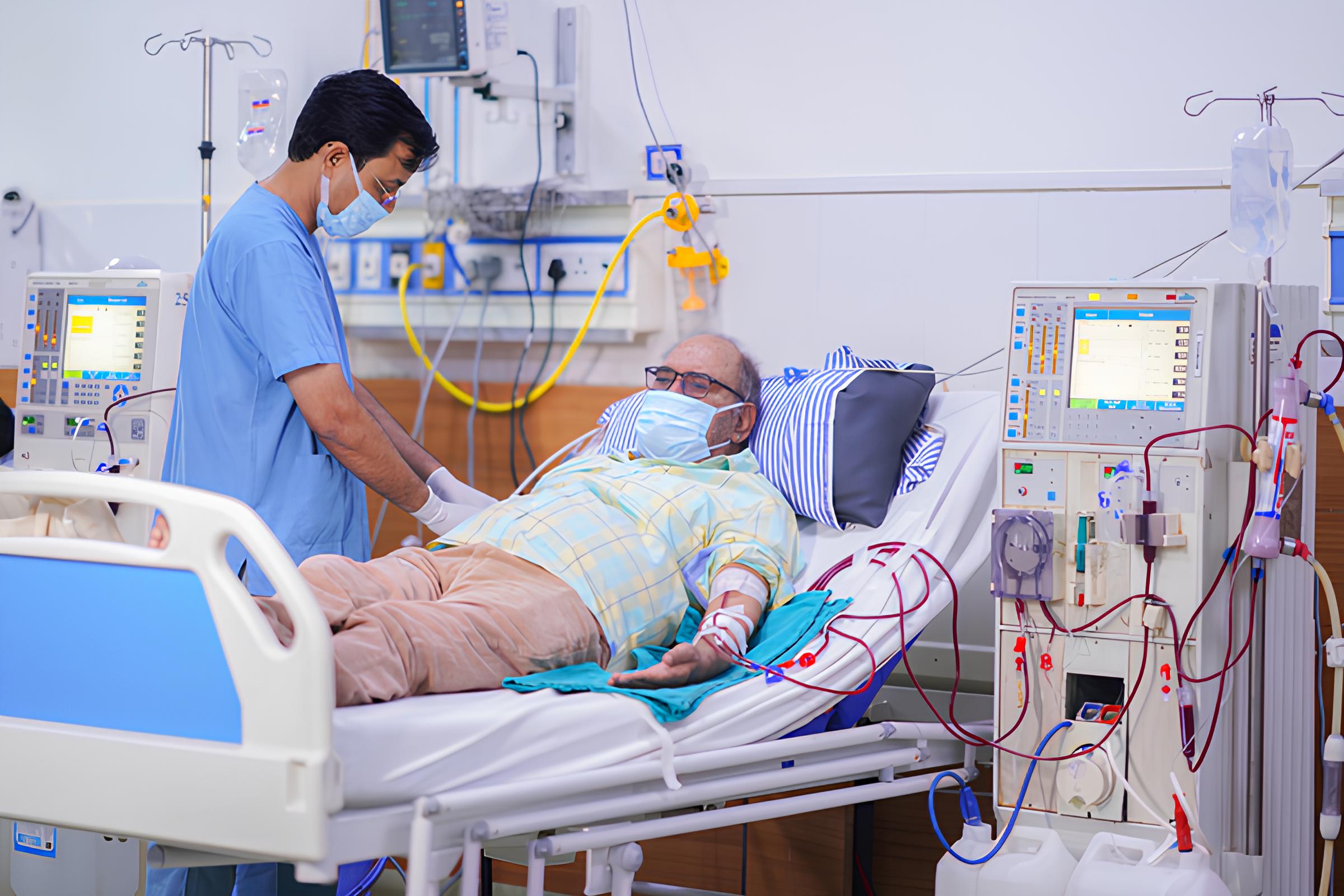
What's Broken Operationally
Documentation Gaps
Cost centers an estimated 8–15% of their total monthly revenue.
Missed Billing
A 500-session/month center loses ₹75,000–1,50,000 every month.
PMNDP Rejections
Claims rejected due to incomplete records leave 3–4 months of cash outstanding.
Fragmented Tools
They use paper + WhatsApp + Excel — none of which talk to each other.
Why This Moment Specifically? (The Timing Is Right)
Dialysis centers stayed open during lockdowns. Staff attrition proved that reliance on human memory and paper registers caused near-miss clinical events. Operators became pull-motivated for digital systems.
Simultaneous mandates for ABHA-linked digital records and constant audit-ready documentation forced digitization. Without it, centers actively lose insurance empanelments and private-pay credibility.
To build the first clinical-grade, offline-capable setup that natively handles the complex workflows of Indian independent centers, without the overhead of massive enterprise software.
Haemodialysis: The Clinical Workflow
Haemodialysis is a procedure that replicates kidney function by removing waste products and excess fluid from the blood. The patient's blood is drawn through a needle or catheter, circulated through a dialyser (an artificial kidney membrane), cleaned against a carefully prepared dialysate solution, and returned to the body. A typical session runs 3–5 hours, three times per week, for the rest of the patient's life.
Clinical Immersion
To design an enterprise ecosystem for a zero-error clinical ward, secondary literature is only the starting point. I underwent firsthand clinical immersion at three active dialysis healthcare facilities, shadowing nurses in real-time. Direct field observations allowed us to witness the visceral, fast-paced reality of the clinic floor—unveiling critical bottlenecks, paper charting loops, and sudden patient complications that introduce invisible risks.
Tasks at a Dialysis Clinic
Pre-Session
Intra Session
Post Session
Stakeholder Matrix
India
CPCB
Admin
Technician
Nurses, the clinic manager, and dialysis technicians represent the high-impact, high-interest cohort, effectively defining our design scope. While the Stakeholder Matrix establishes who exists in this system and the influence they hold, knowing who is present is only half the picture—the subsequent Ecosystem Map traces how all these actors actually connect, what they exchange, and precisely where those critical connections break down.
Ecosystem Mapping
Patient
Nurse
logist
Technician
Caregiver
Owner
GP
Machine
Plant
Suppliers
Lab
Govt Scheme
Service
Engineer
Bank
HMS
Worker
/ PM-JAY
ABHA
OEM
Hospital
Bio Waste
Health Dept
Center
Control
Networks
College
Controller
Actors
The dialysis patient sits at the centre of a tightly coupled care ecosystem. The Dialysis Nurse and Technician manage setup, monitoring, and teardown. The Nephrologist prescribes and adjusts treatment parameters. The Center Owner manages operations, staffing, and compliance — often with razor-thin margins.
Practices
The patient's treatment depends on a repeatable 3-session-per-week cadence, each requiring pre-session machine prep, intra-session monitoring, and post-session documentation. Handoffs between shifts are verbal or paper-based, creating systemic gaps in continuity that compound over months.
Information
Clinical data flows through fragmented channels — vitals on paper registers, prescriptions via WhatsApp, billing on Excel, and compliance reports manually assembled for NABH and insurance TPAs. No single system captures the full treatment picture, making audit readiness a perpetual scramble.
The ecosystem map reveals a system with many actors and touchpoints — but no digital connective tissue between any of them. To understand where the breakdown is most critical, the research zoomed into the frontline clinical journey: what actually happens, step by step, during a dialysis session. This is captured in the AS-IS Service Blueprint.
As-Is Service blueprint
Mapping the complex interplay between clinical actors, the patient, and infrastructure throughout the dialysis journey.

What Each Stakeholder Struggles With
Affinity Mapping
43 raw observations from field visits, interviews, and secondary research were grouped into 8 clusters. Each cluster surfaces a distinct systemic failure pattern in the clinic's current way of working.
Key Insight
The lack of a digital source of truth makes historical patient tracking impossible and severely limits continuity of care across sessions.
Key Insight
Relying entirely on staff memory for safety-critical procedures leads to high cognitive load and a higher probability of protocol deviations.
Key Insight
Without automated safety alerts and real-time flags, critical clinical anomalies go completely unnoticed until they manifest as patient complications.
Key Insight
Fragmented, verbal-only communication channels between shifts and roles lead to disjointed patient management and lost clinical details.
Key Insight
Manual scheduling and lack of slot-capacity visibility lead to patient bottlenecks, long wait times, and delayed morning prep.
Key Insight
Manual billing based on assumptions rather than real-time consumable logs results in inventory shrinkage and revenue leakage.
Key Insight
The absence of strict, system-enforced safety protocols increases the risk of cross-contamination and critical treatment errors.
Key Insight
A complete operational data blind spot prevents facility administrators from planning preventive maintenance, tracking audits, or optimizing costs.
Problem Statement
To define a clear focus for design intervention, the 8 key insights were synthesized and mapped to identify a common, underlying systemic failure theme. This gave rise to the central problem statement:
Small independent dialysis clinics in India have no shared digital infrastructure — forcing nurses, head nurse, and owners to manage life-critical workflows entirely through memory, paper, and verbal communication, making safety incidents invisible, operations unreliable, and the business impossible to run with any real visibility.
What People Are Really Trying to Accomplish
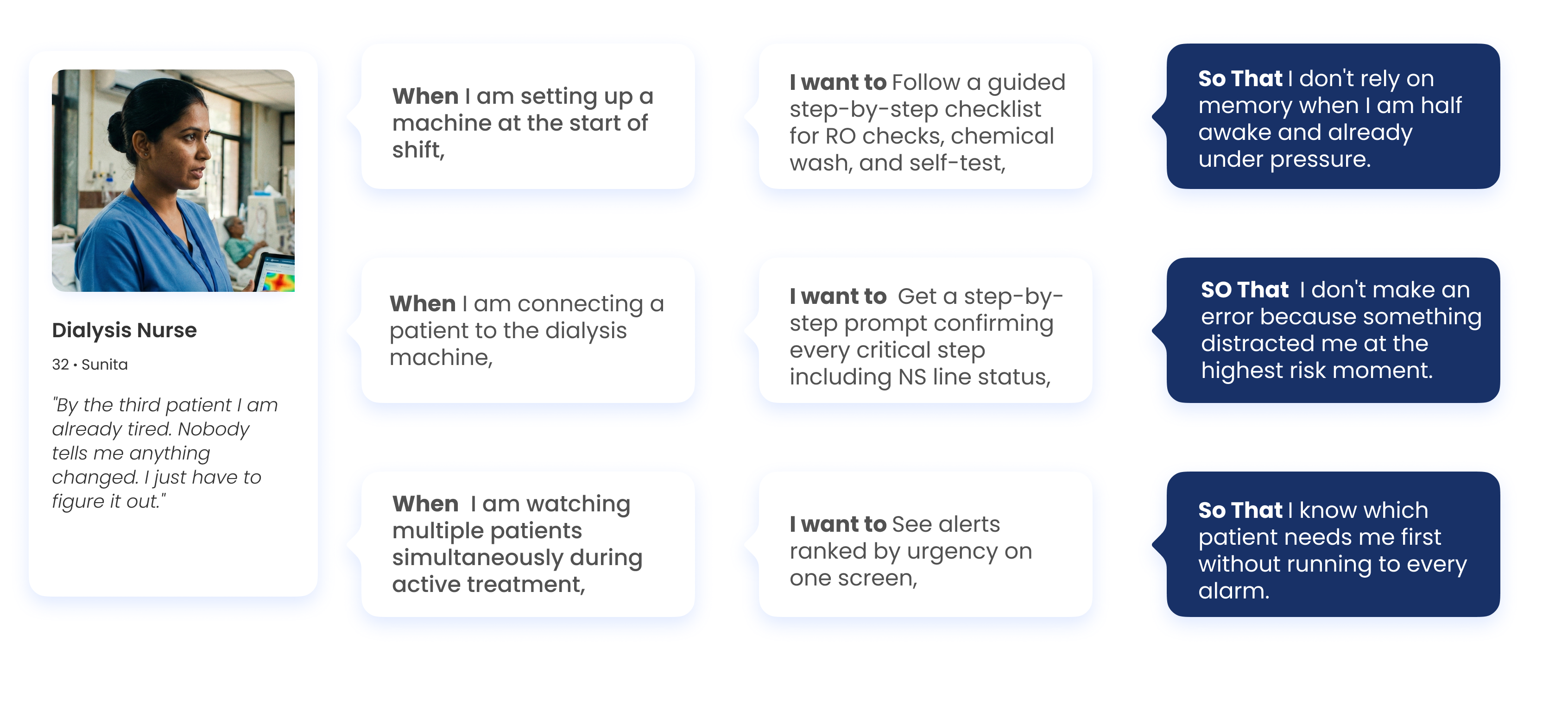
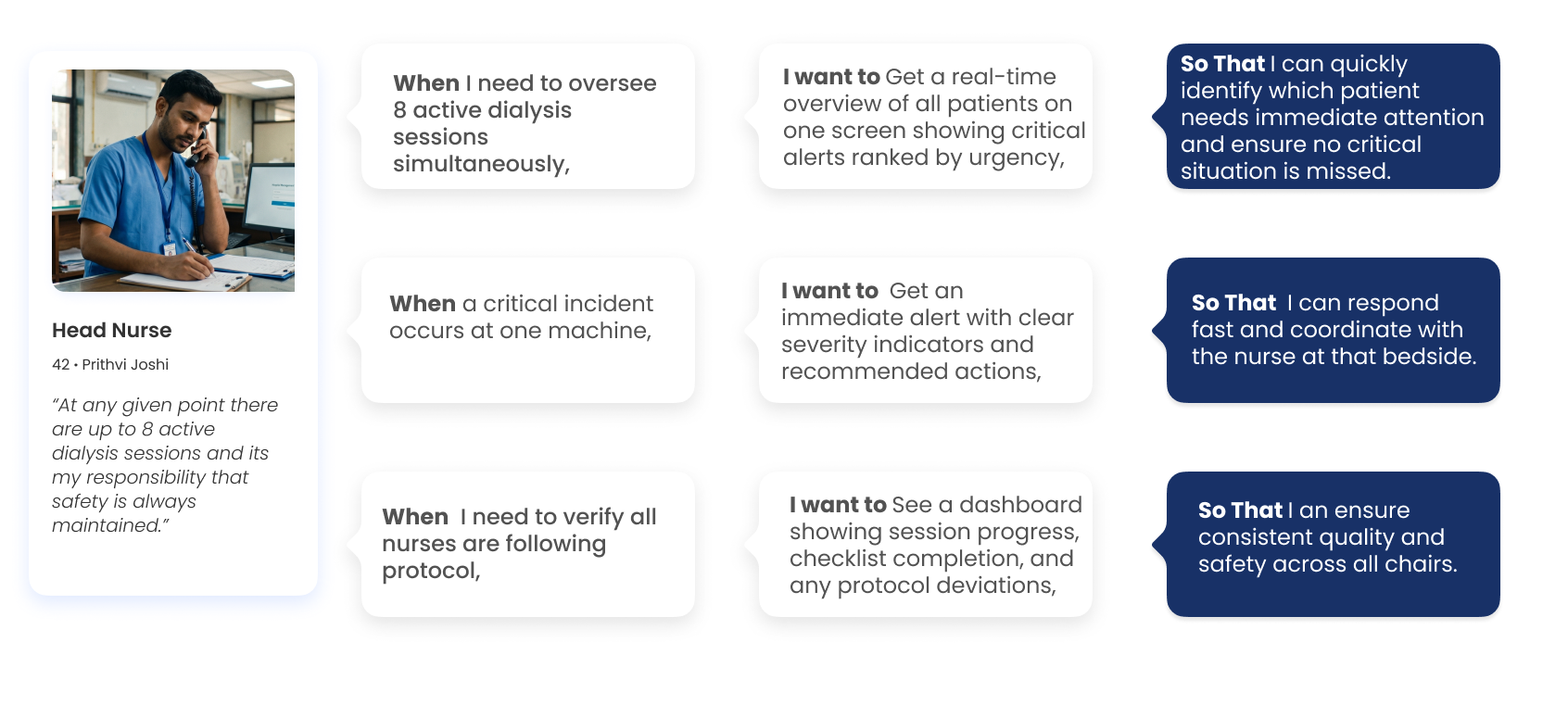
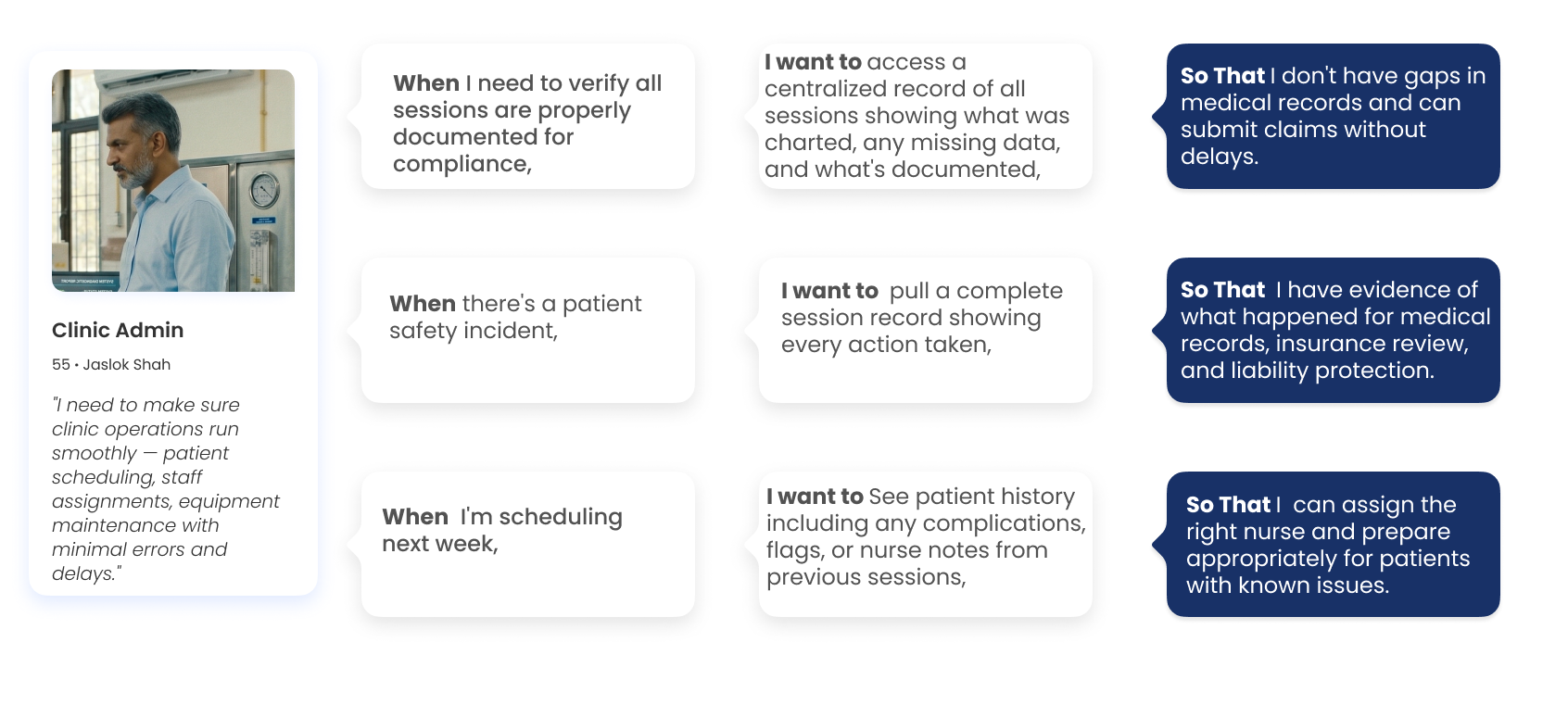
The JTBD framework strips away features and asks: what is the person trying to make happen in their life? What does 'done' look like for them? This framing produces more durable design decisions because it anchors to human goals, not technology.
1 — Dialysis Nurse
2 — Head Nurse
3 — Clinic Admin
Competitive Audit: Identifying the Strategic Gap
By mapping these solutions against key operational categories — Patient Registration & Scheduling, Session Tracking & Vitals, Nurse Handover, Billing & Insurance, Consumables & Inventory, Cleaning & Hygiene, and Platform Compliance — we identified where the system was buckling under pressure.
| Feature / Capability | Renalyx | Attune HIS | Fresenius TDMS | Falcon Silver | NephroPlus* | Generic HIS |
|---|---|---|---|---|---|---|
| Patient Registration & Scheduling | ||||||
| Patient registration and profile | ✓ | ✓ | ✓ | ✓ | ✓ | ~ |
| Dialysis prescription management | ~ | ~ | ✓ | ✓ | ✓ | ✕ |
| Recurring session scheduling | ~ | ✓ | ✓ | ✓ | ✓ | ~ |
| Session Tracking & Vitals | ||||||
| Structured session documentation | ✓ | ✓ | ✓ | ✓ | ✓ | ~ |
| Automated vitals at intervals | ✓ | ~ | ✓ | ~ | ✓ | ✕ |
| Configurable alert thresholds | ~ | ✕ | ✓ | ✓ | ✓ | ✕ |
| Adverse event structured logging | ✕ | ✕ | ~ | ~ | ✓ | ✕ |
| Nurse Handover | ||||||
| Digital structured handover | ✕ | ✕ | ✕ | ✕ | ✓ | ✕ |
| Pending task carry-over | ✕ | ✕ | ✕ | ✕ | ✓ | ✕ |
| Billing & Insurance | ||||||
| AB-PMJAY native claim pre-population | ✕ | ~ | ✕ | ✕ | ✓ | ~ |
| Revenue dashboard | ✕ | ✓ | ✕ | ✕ | ✓ | ~ |
| Consumables & Inventory | ||||||
| Session-linked consumption logging | ✕ | ✕ | ✕ | ✕ | ✓ | ✕ |
| Expiry alerts | ✕ | ~ | ✕ | ✕ | ✓ | ✕ |
| Cleaning & Hygiene | ||||||
| Water quality structured log | ✕ | ✕ | ✕ | ✕ | ✓ | ✕ |
| Digital infection control checklists | ✕ | ✕ | ✕ | ✕ | ✓ | ✕ |
| Platform & Compliance | ||||||
| Offline-first / low-bandwidth support | ~ | ✕ | ✕ | ✕ | ~ | ✕ |
| Android mobile-optimised UI | ~ | ✕ | ✕ | ✓ | ✓ | ✕ |
Guiding Opportunity Areas: How Might We?
To transition from synthesis to active design exploration, the core friction points were reframed into actionable design questions. These 6 key How Might We (HMW) statements guided our ideation phase, ensuring every feature directly solved a validated operational pain point.
How might we make every critical clinical step self-documenting, so that no action depends on a nurse's memory and no event is ever lost between shifts?
How might we give every nurse a complete and current picture of each patient at any point in the journey, without having to ask anyone or search through paper?
How might we make clinical safety proactive rather than reactive, so that dangerous deviations are flagged before they reach the patient rather than noticed after?
How might we give the clinic a structured start to every day, so that slots, machines, and prep are aligned before the first patient walks in?
How might we make every session automatically generate its own financial record, so that billing reflects what actually happened and the owner always knows where the business stands?
How might we surface patterns from daily clinical and operational data, so that the facility owner can make decisions based on evidence rather than gut feel or verbal updates?
Proposed Solution
For this project, the primary design output is the nurse-facing mobile application. The desktop dashboard for reception and admin is defined at the feature and information architecture level but not taken to wireframes.
Cognitive Task Analysis — What the Nurse Holds in Her Head
During an active session, a dialysis nurse is bombarded with several critical tasks, for several patients with varying needs and with no margin of error. The cognitive load on the nurse can be understood better through the session map of memory load, divided attention and invisible risk for Sunita, the dialysis nurse's persona.
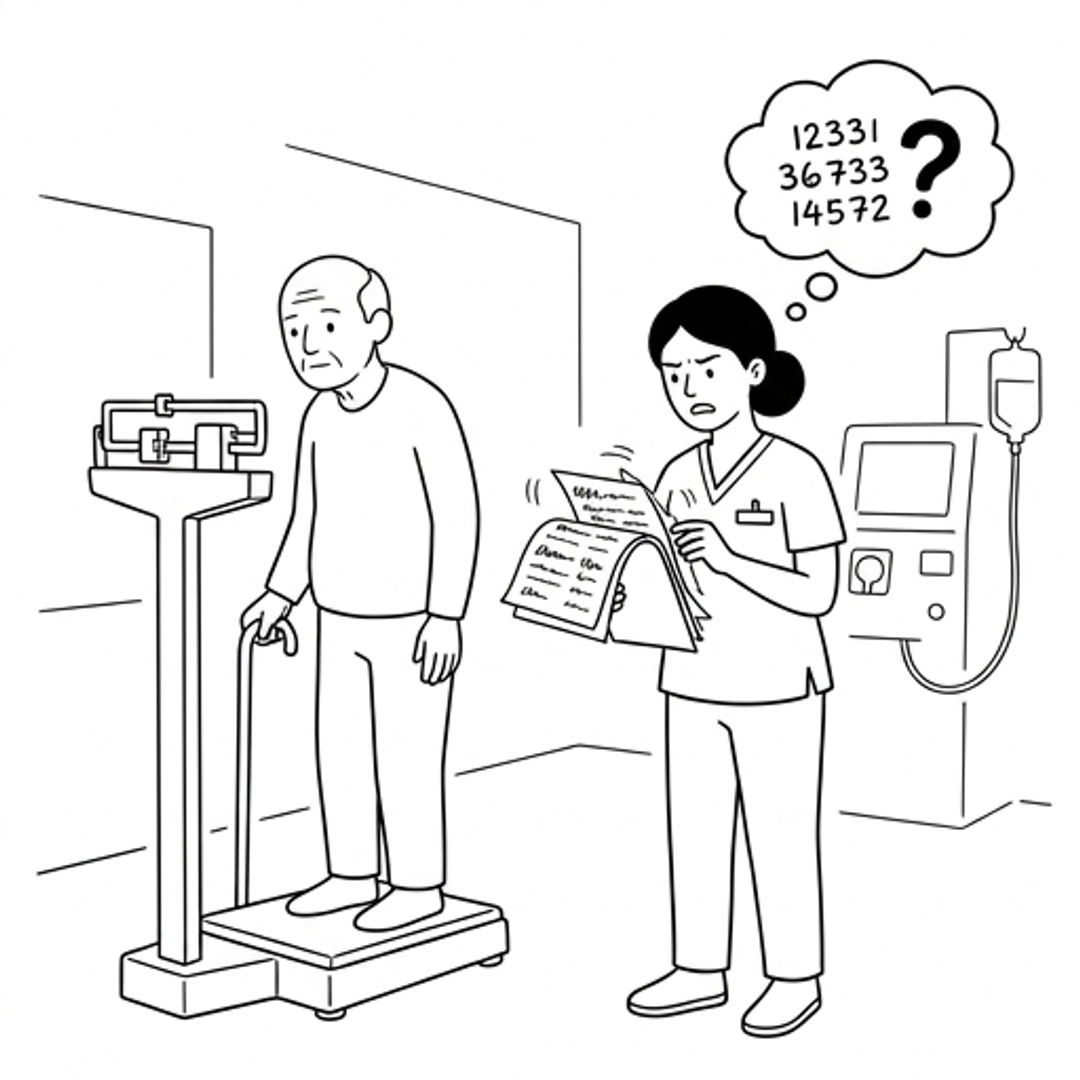
1. Weighing Patient, No Dry Weight Reference
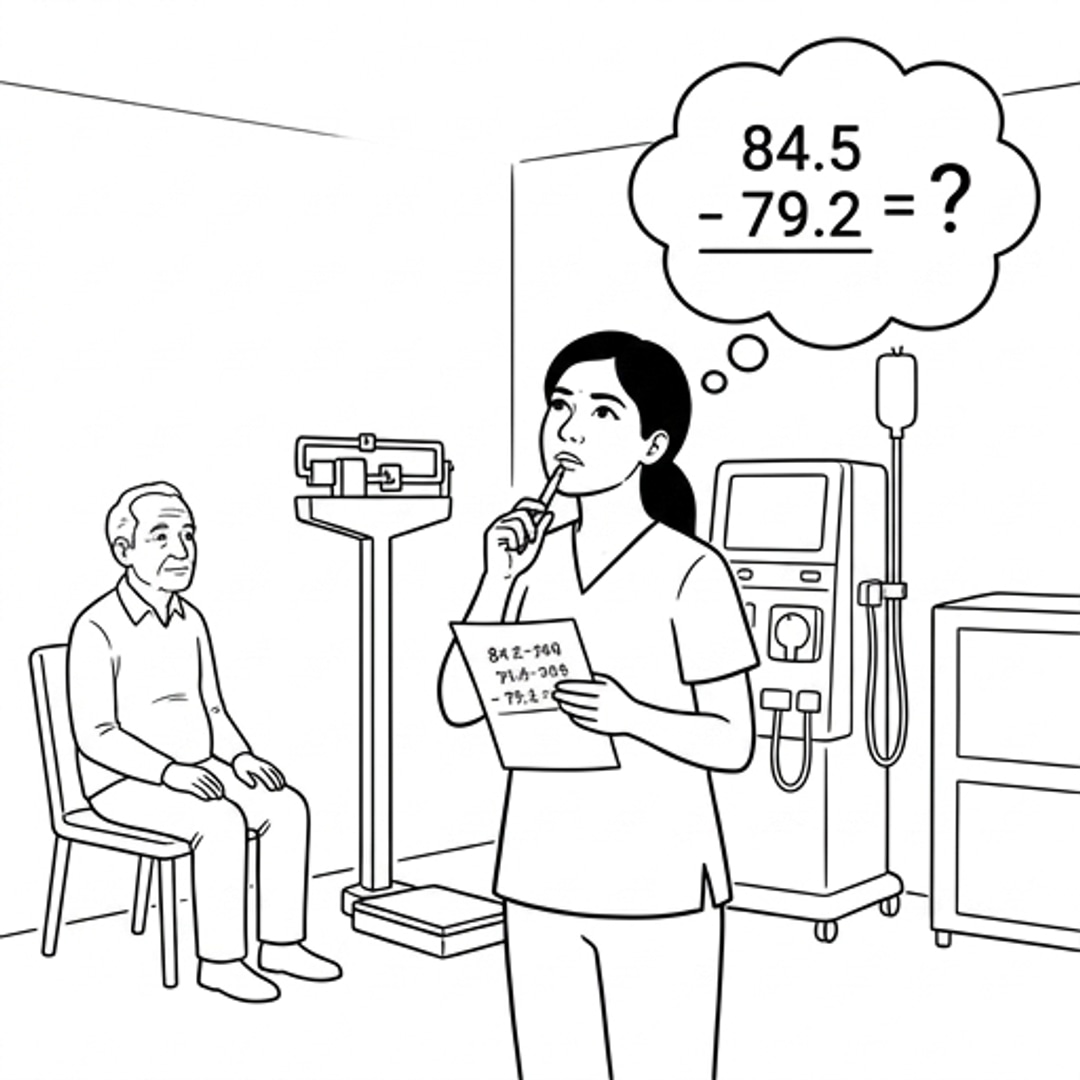
2. Mental Arithmetic for Fluid Removal Goal
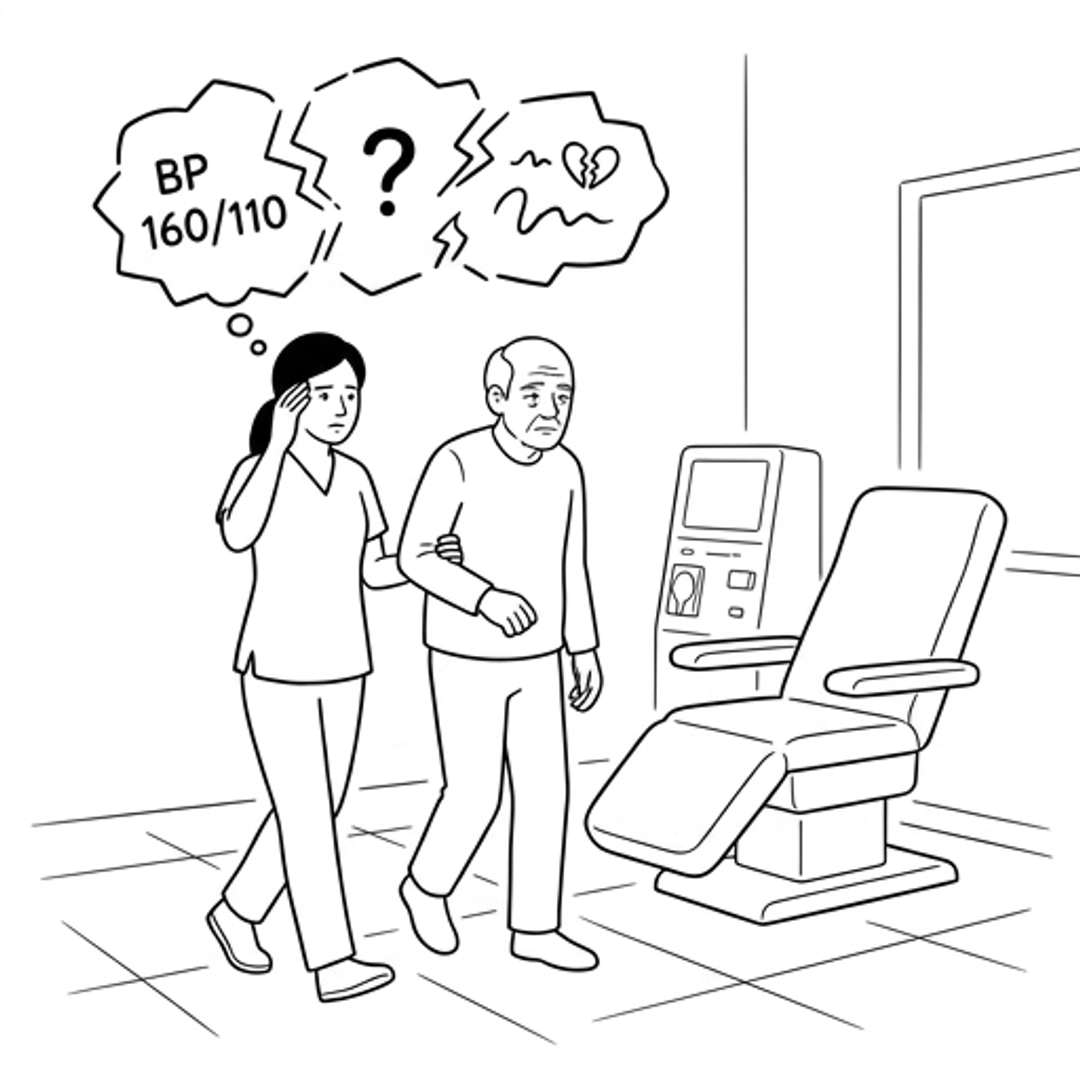
3. No Alert for Dangerous Weight Gain
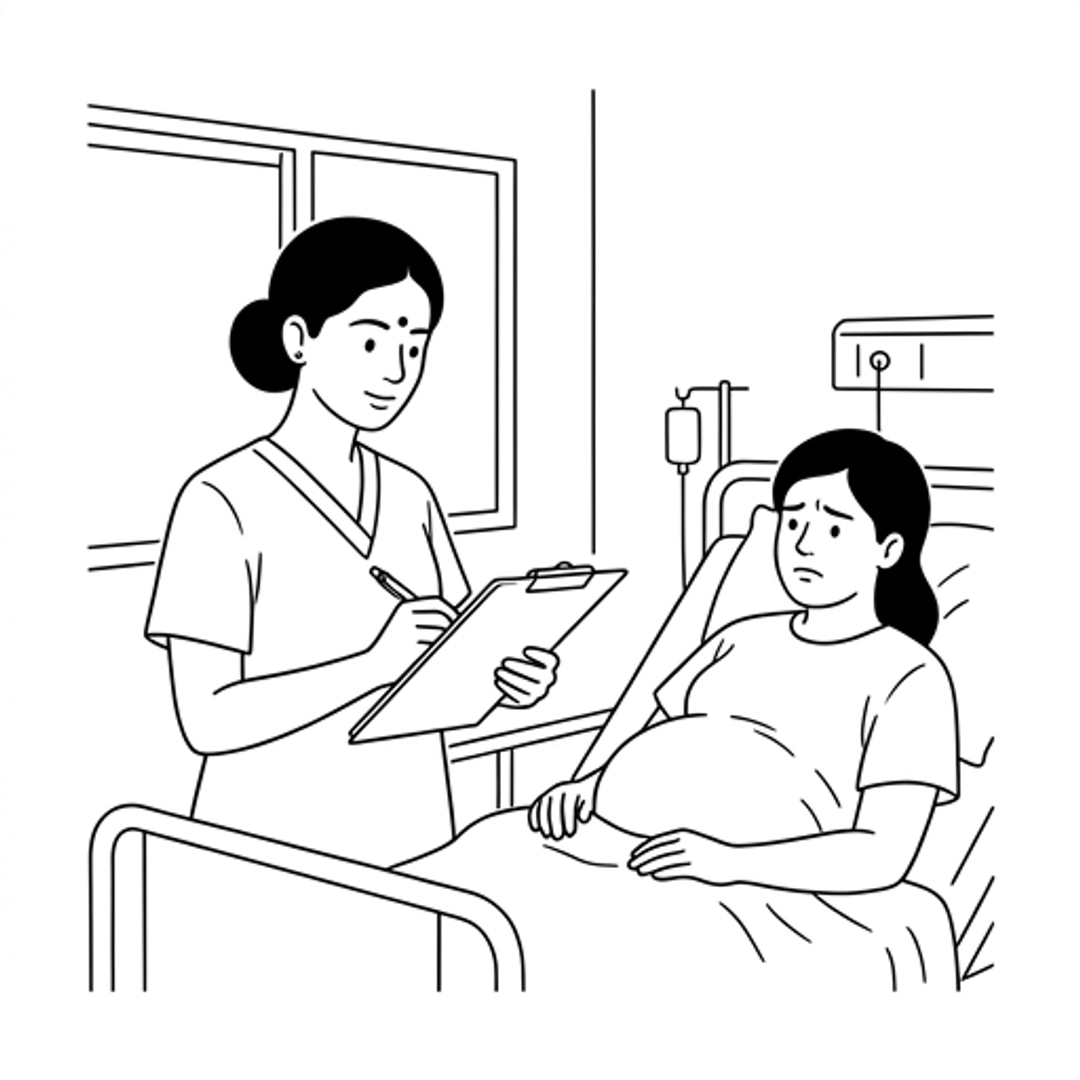
4. Escorting Patient, Trying to Remember Previous Session
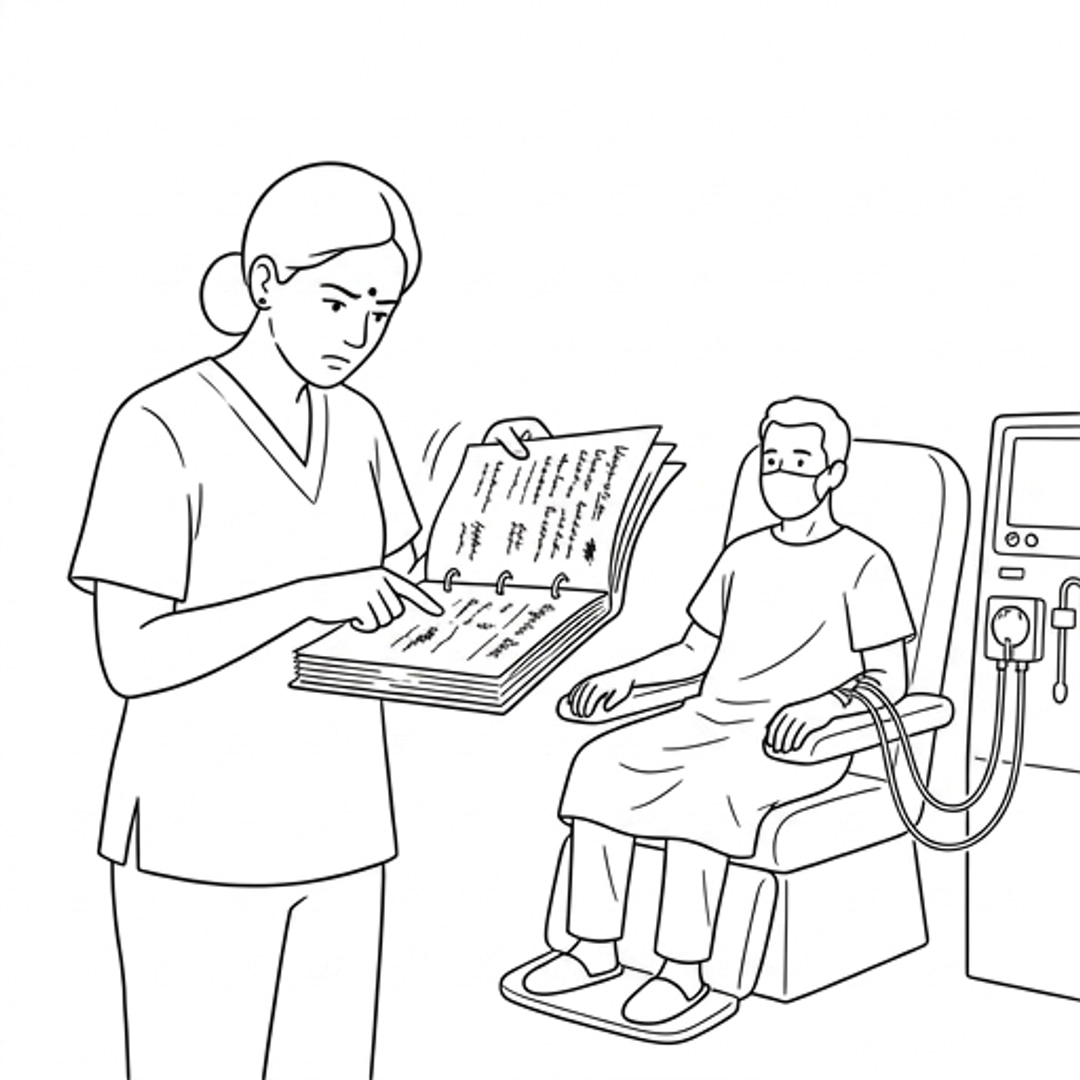
5. Paper Chart Incomplete, Heparin History Unclear
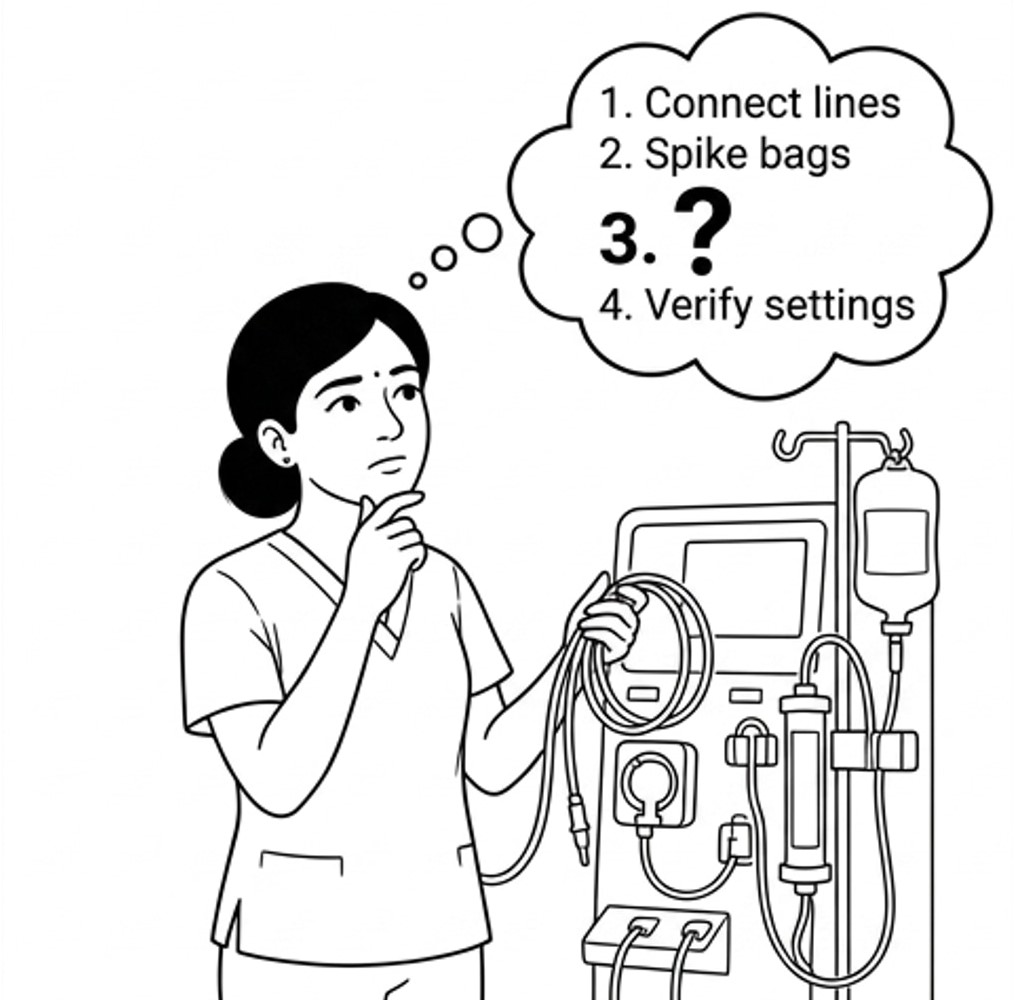
6. Machine Priming Sequence from Memory
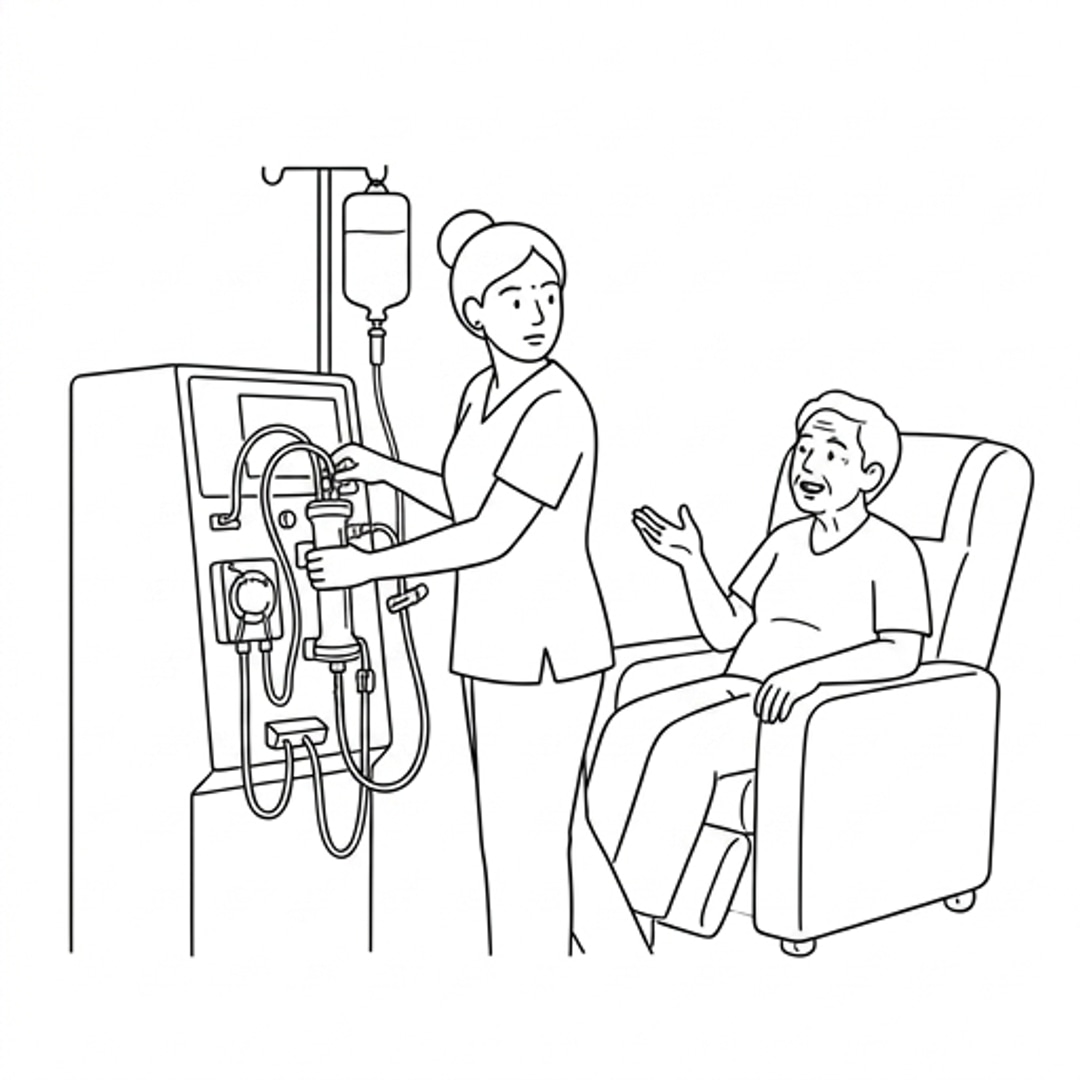
7. NS Line Left Open, No System Check
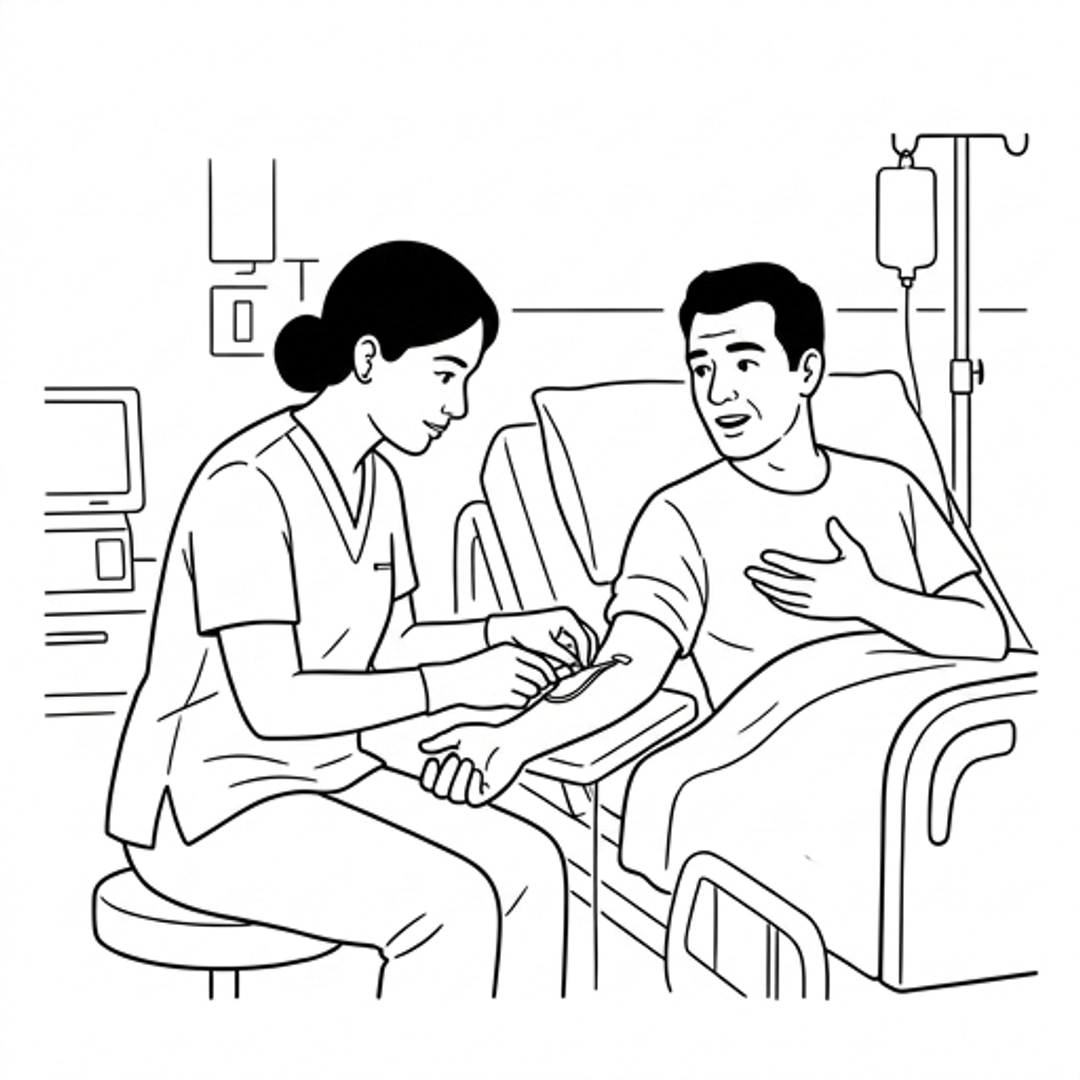
8. Fistula Connection While Patient Talks
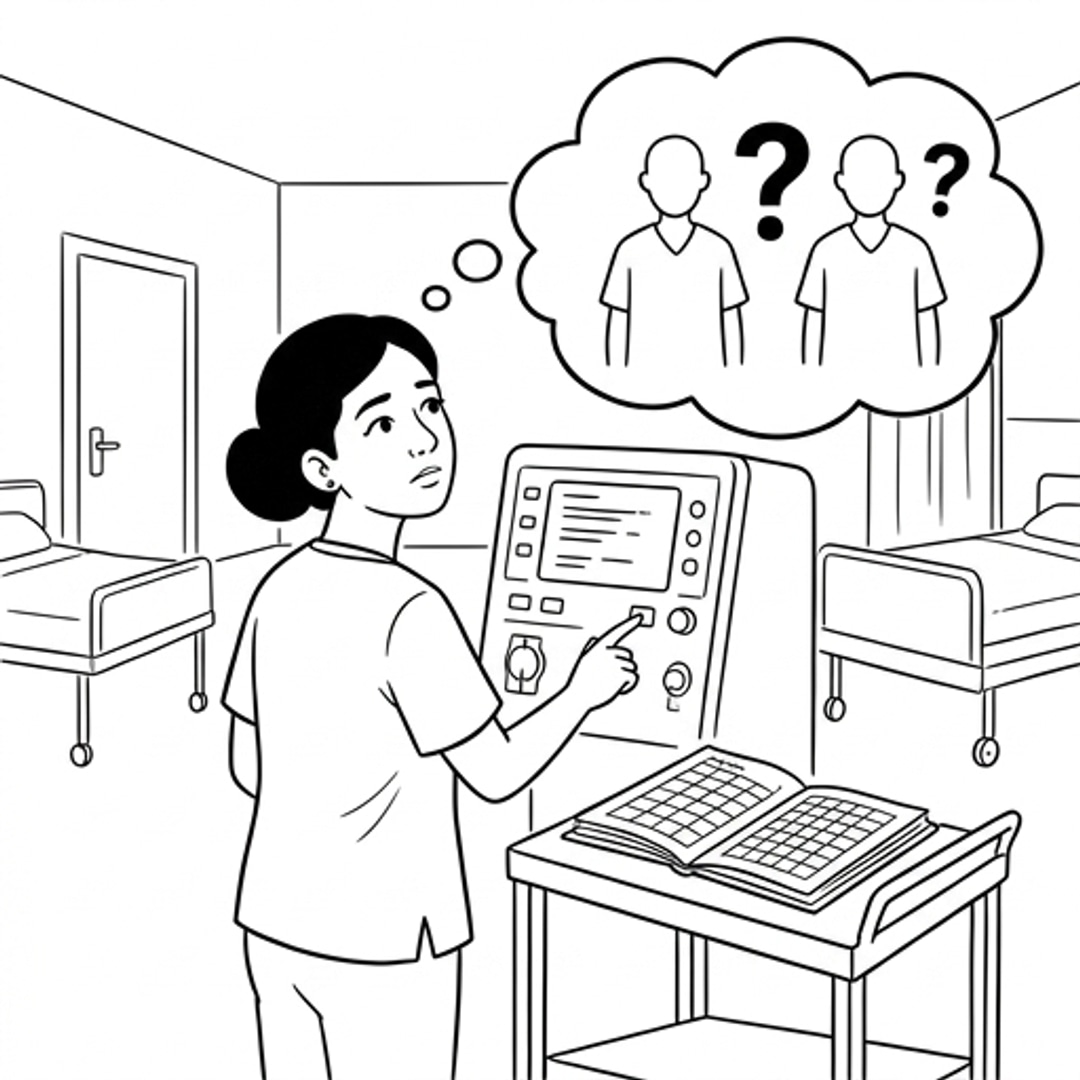
9. Alarm Limits Set from Memory
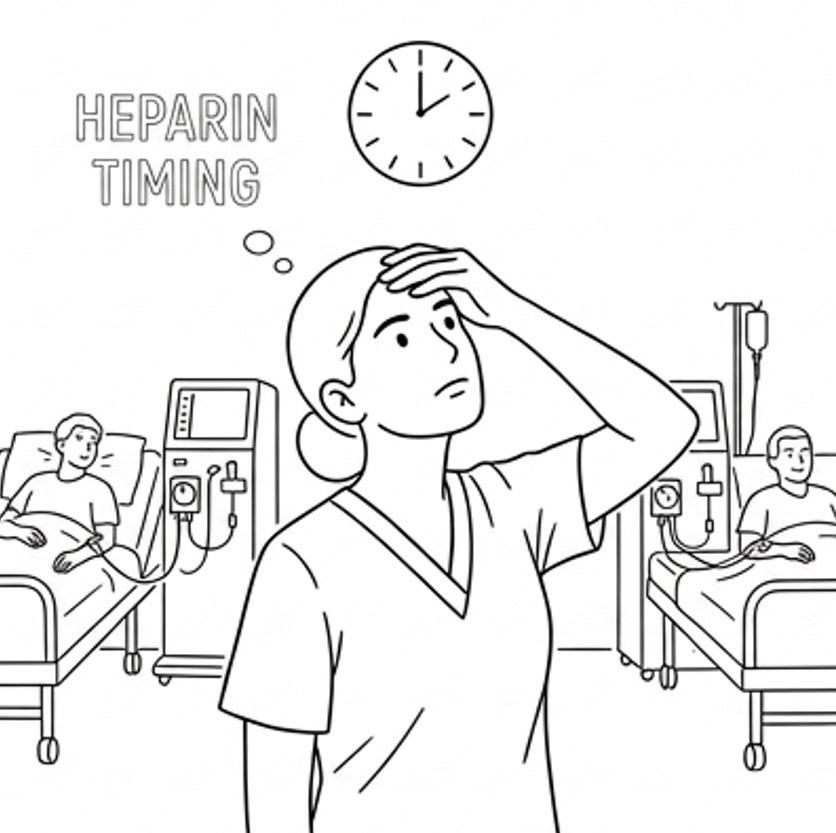
10. Heparin Timing Tracked from Memory
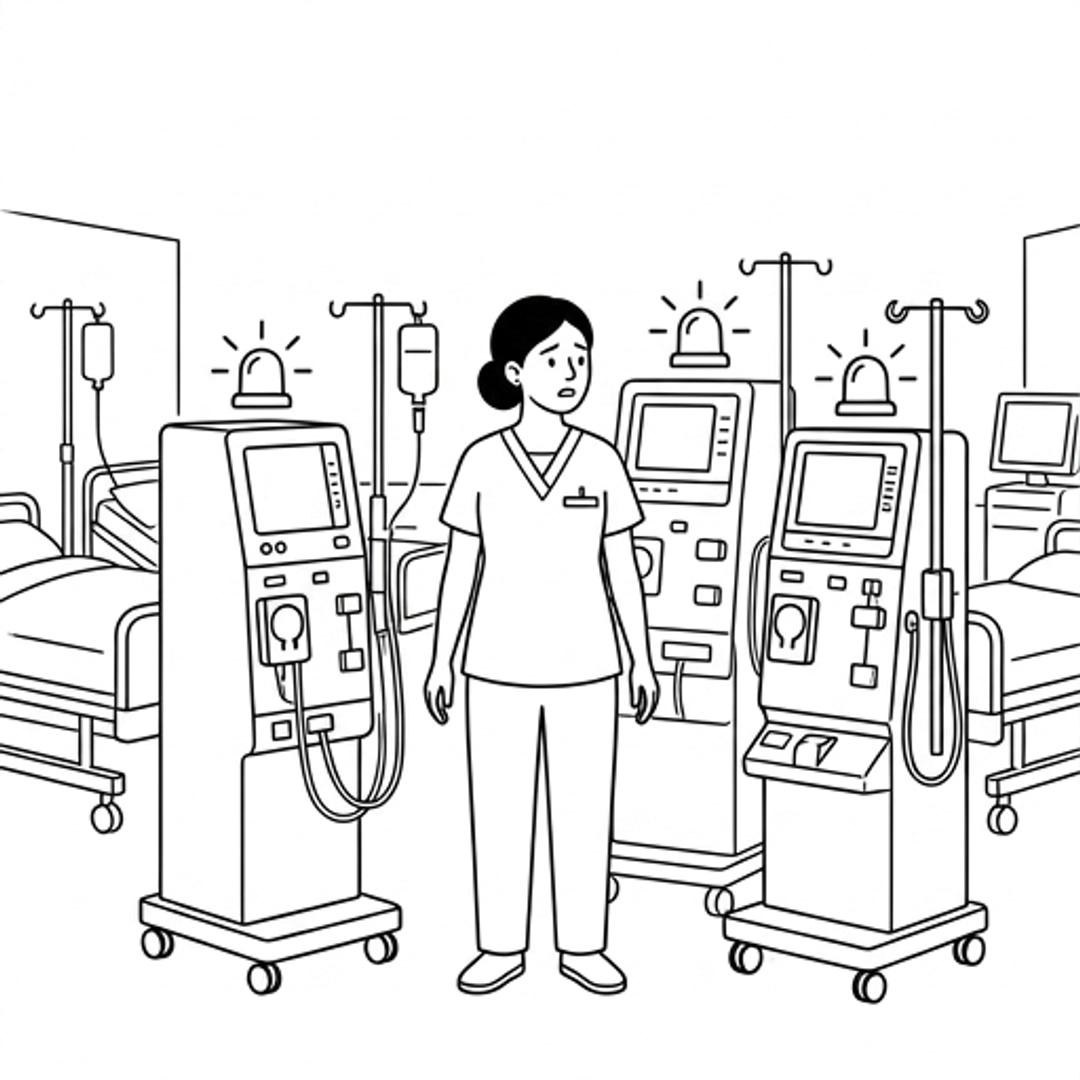
11. Multiple Alarms, No Priority System
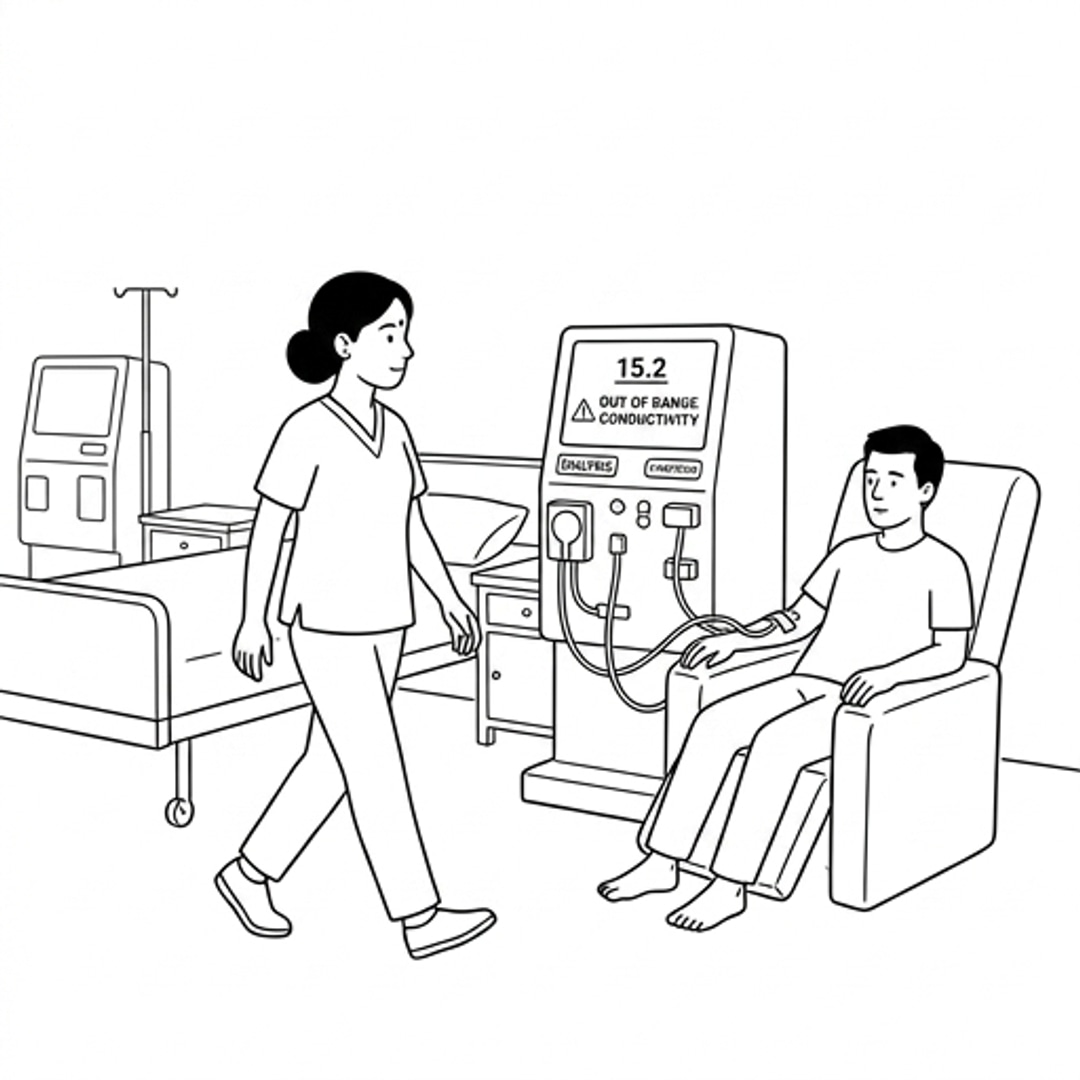
12. Conductivity Failure Walked Past Unnoticed
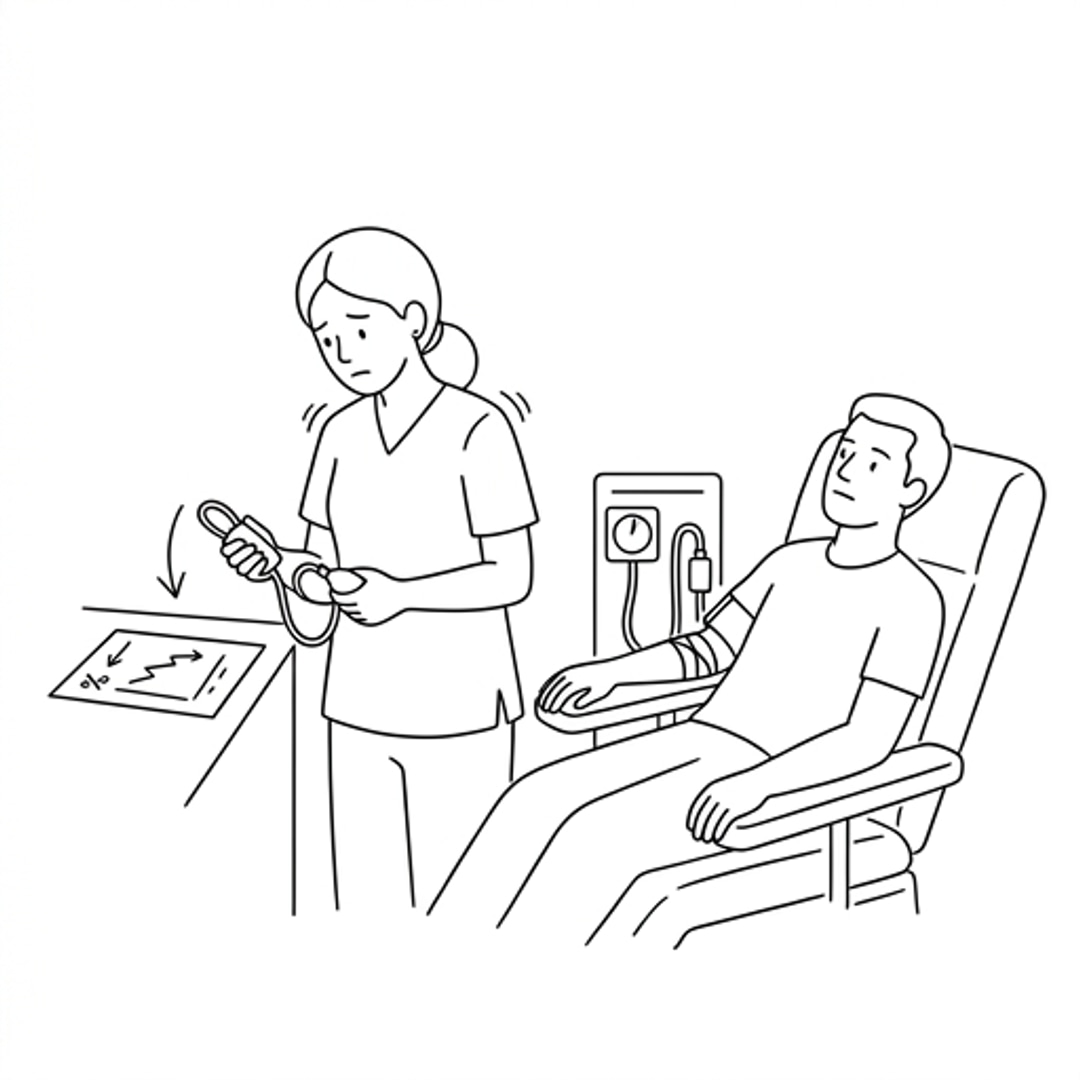
13. BP Drop, No Baseline to Compare
Information Gap Mapping — Most Critical Risk Points
An alert that this weight gain is dangerous
Nothing — no threshold exists in the system
Confirmation that NS line is closed before session starts
Nothing — no system check exists
Ability to focus entirely on needle insertion
Patient is talking to her, no protocol protects her focus
A priority ranking telling her which alarm is most critical
Three equal alarms with no ranking
An alarm when conductivity drops out of safe range
A number on a display with no alarm attached
This patient's baseline BP from previous sessions
Only the current reading in her hand
Theme Summary — Translating Research to Design
Memory recall
Nurse performs 6 distinct memory recall tasks per session with no digital reference. Each is a potential error.
Every recalled value needs a digital prompt or pre-loaded reference
Mental calculation
Fluid removal goal calculated mentally every session under time pressure with incomplete paper data.
Calculation should be automated — input current weight, system outputs safe removal target
Divided attention
Precision clinical task performed while simultaneously managing patient interaction. No protocol protects focus.
System should enforce a mandatory focus window during line connection — no interruptions
Invisible risk
Dangerous conditions exist but no system flags them. Nurse must notice manually while managing other patients.
Threshold-based alerts needed for weight gain and conductivity — system detects, nurse responds
Decision under uncertainty
Nurse has a reading but no baseline to judge it against. Cannot determine severity without history she does not have.
Every reading needs automatic comparison to patient baseline and previous session data
Design Interventions
To transition the vision into systemic, role-specific components, we mapped the clinical and administrative requirements into concrete digital features. Below is our collaborative whiteboard mapping these key interventions across the entire facility ecosystem.
To-Be Service blueprint
Redesigning the dialysis journey to introduce digital connective tissue, replacing manual documentation loops with background clinical workflows and proactive checks.

Future State in Action — The Connected Clinical Experience
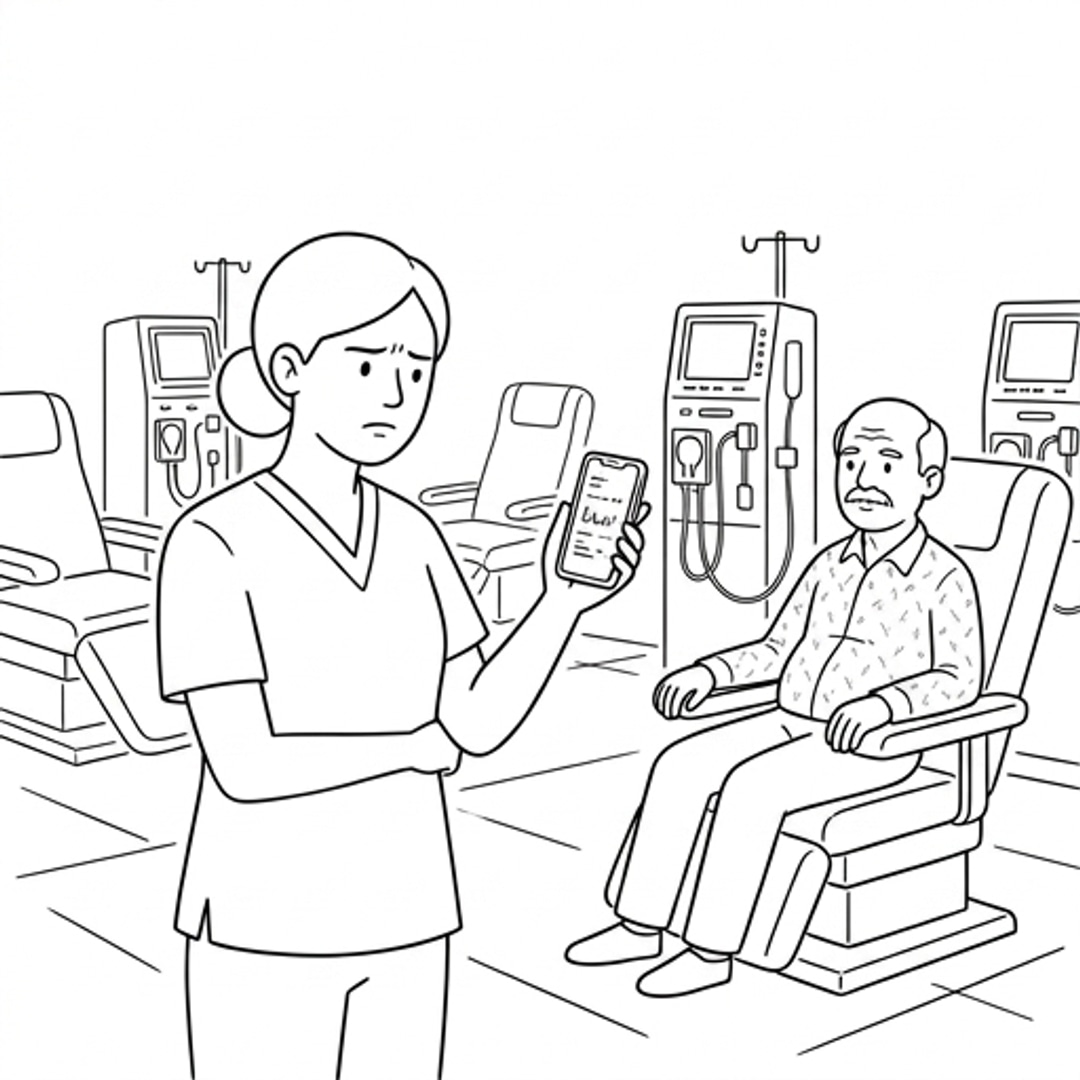
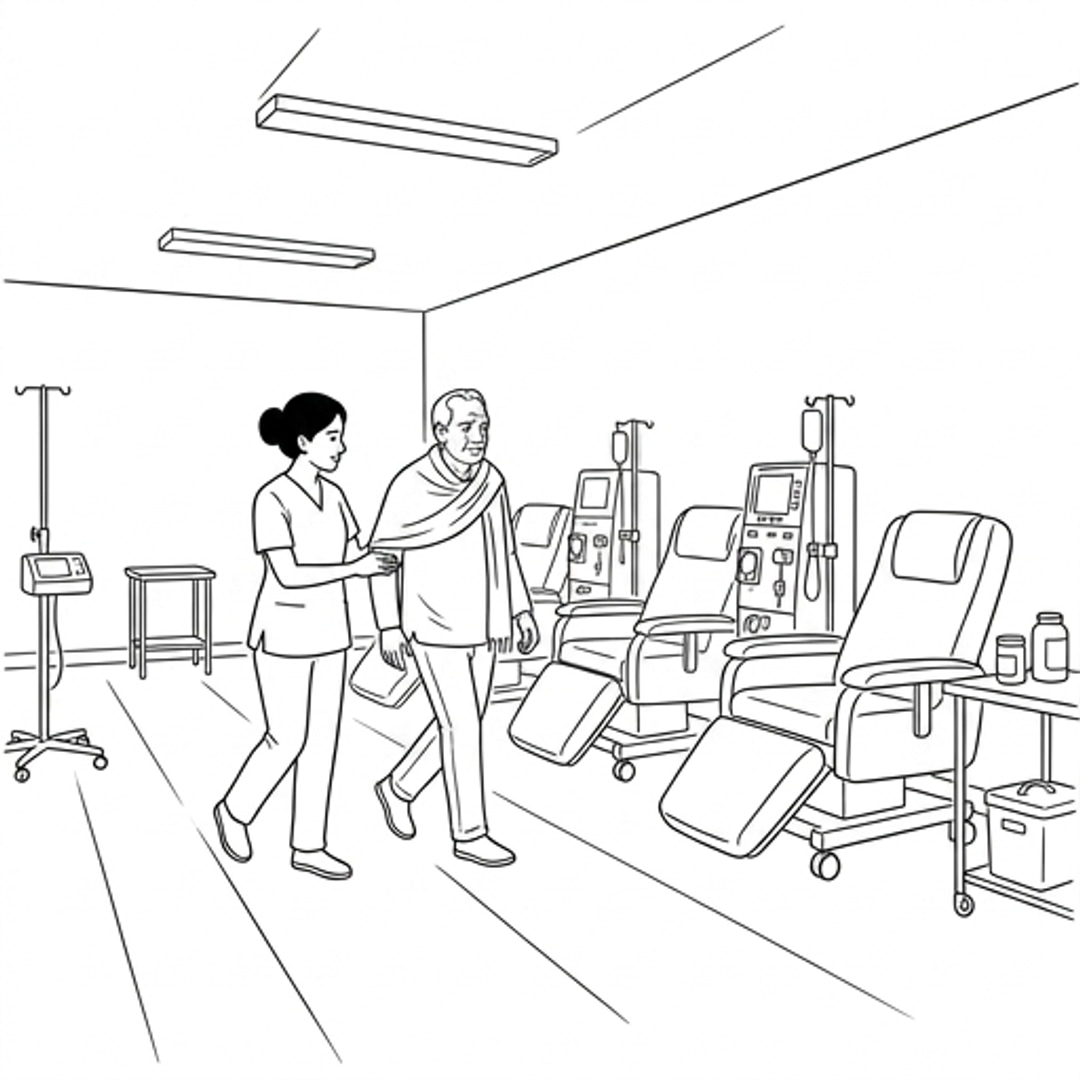
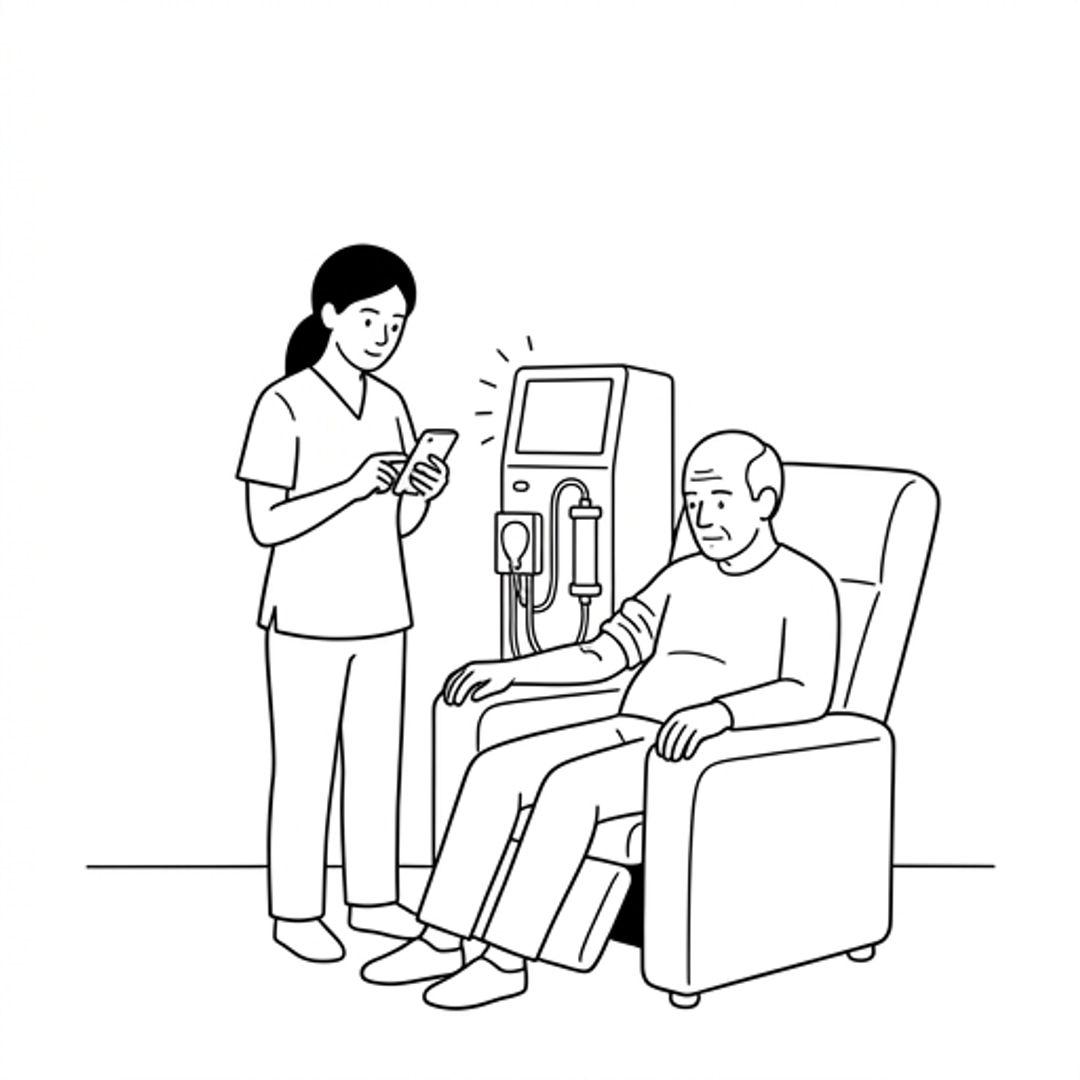
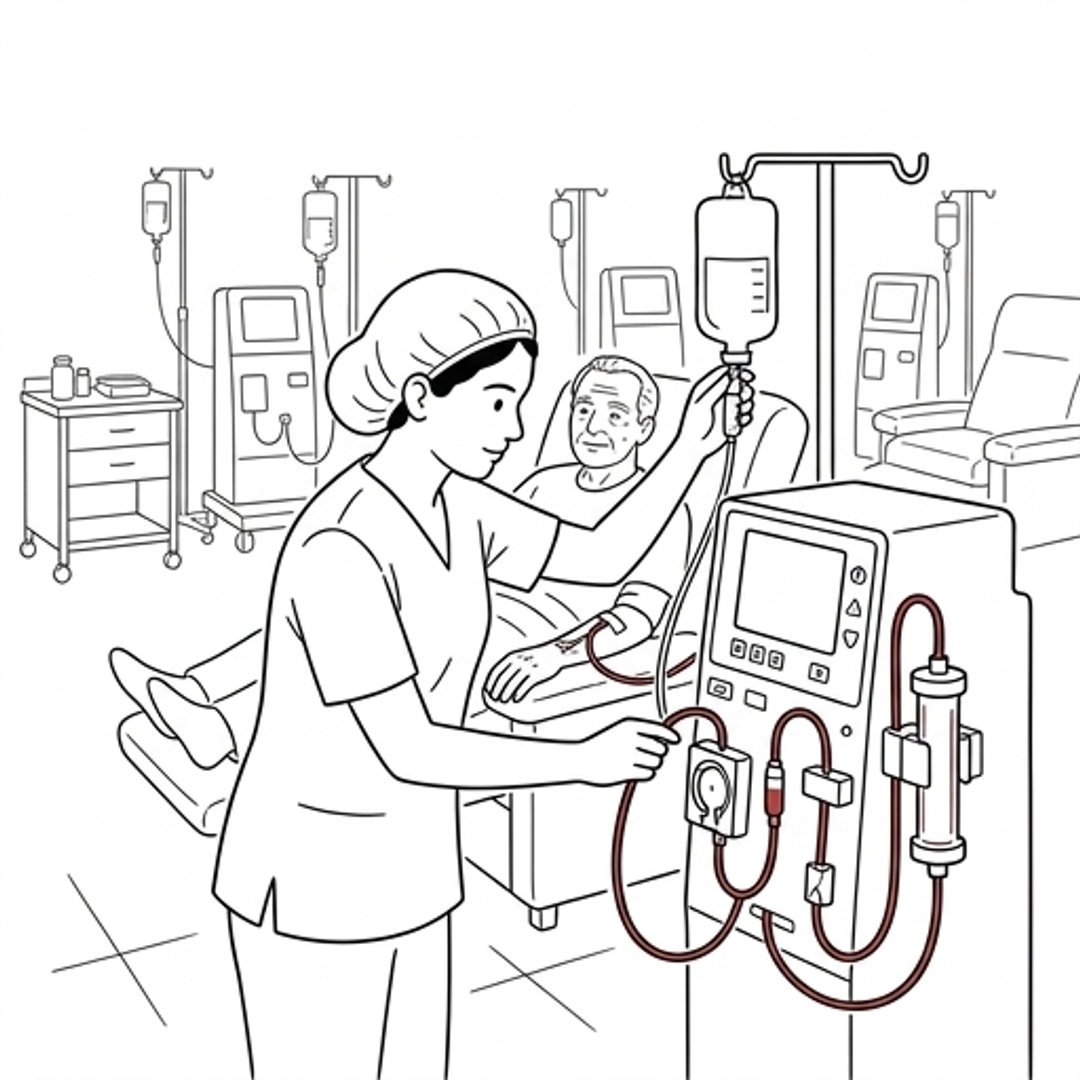
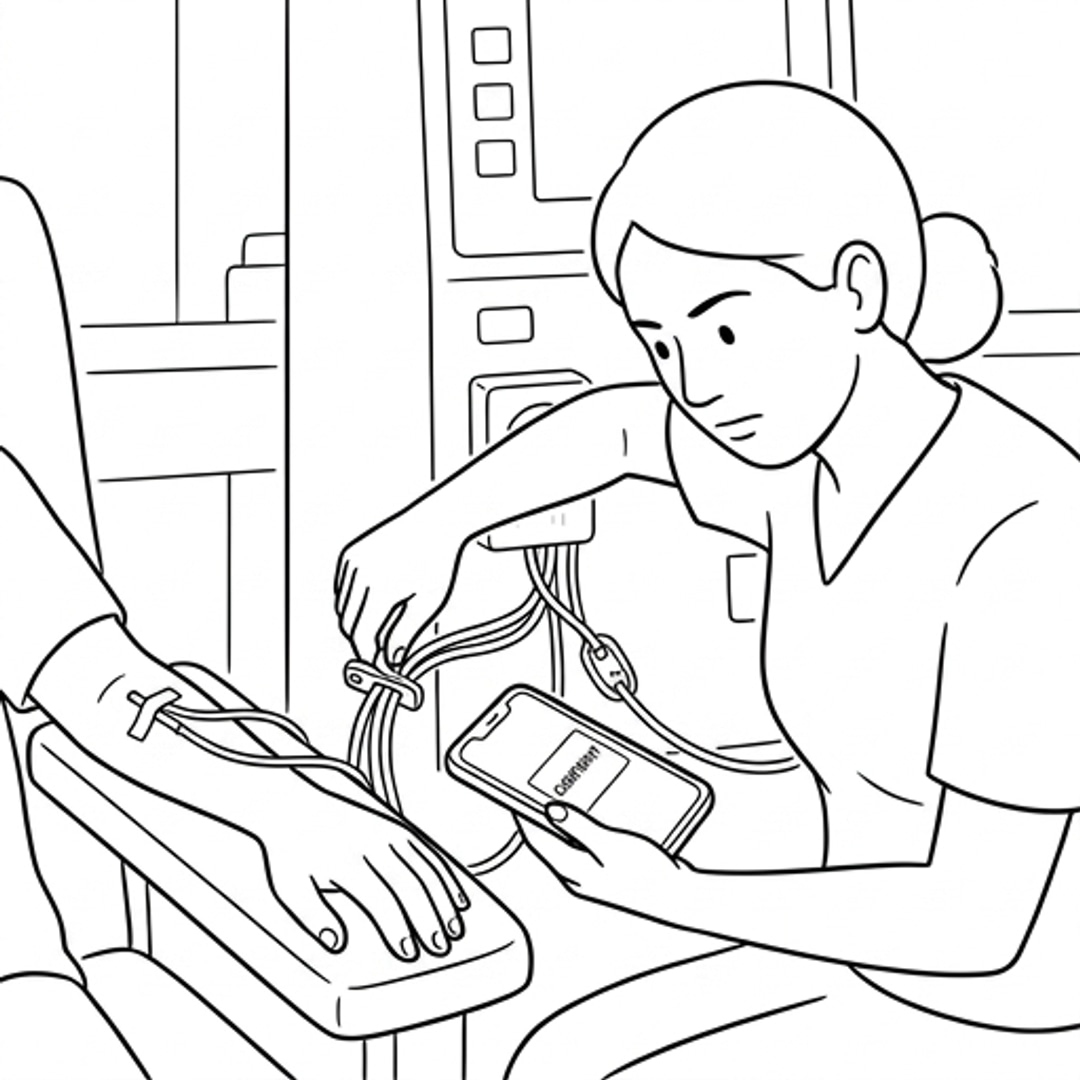
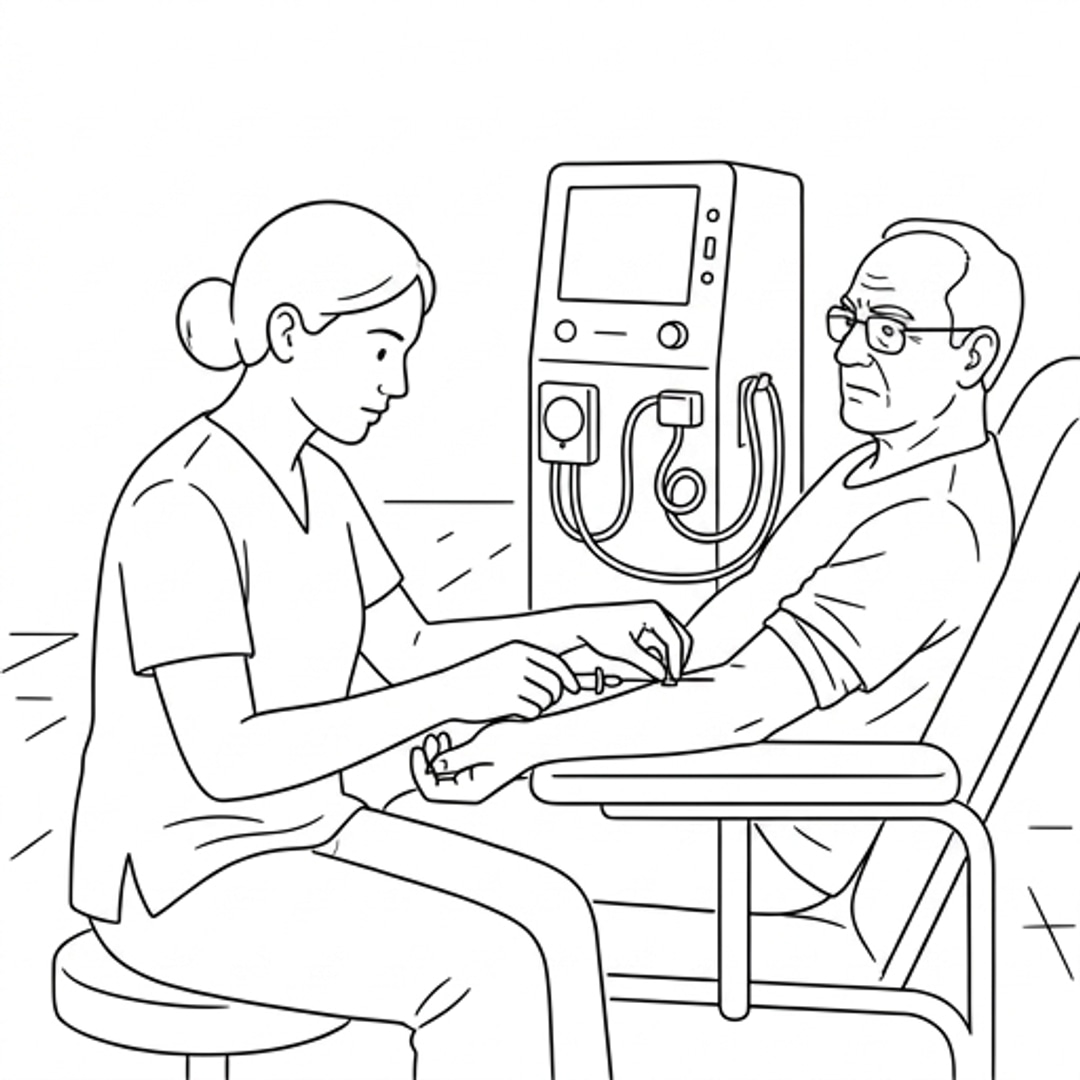
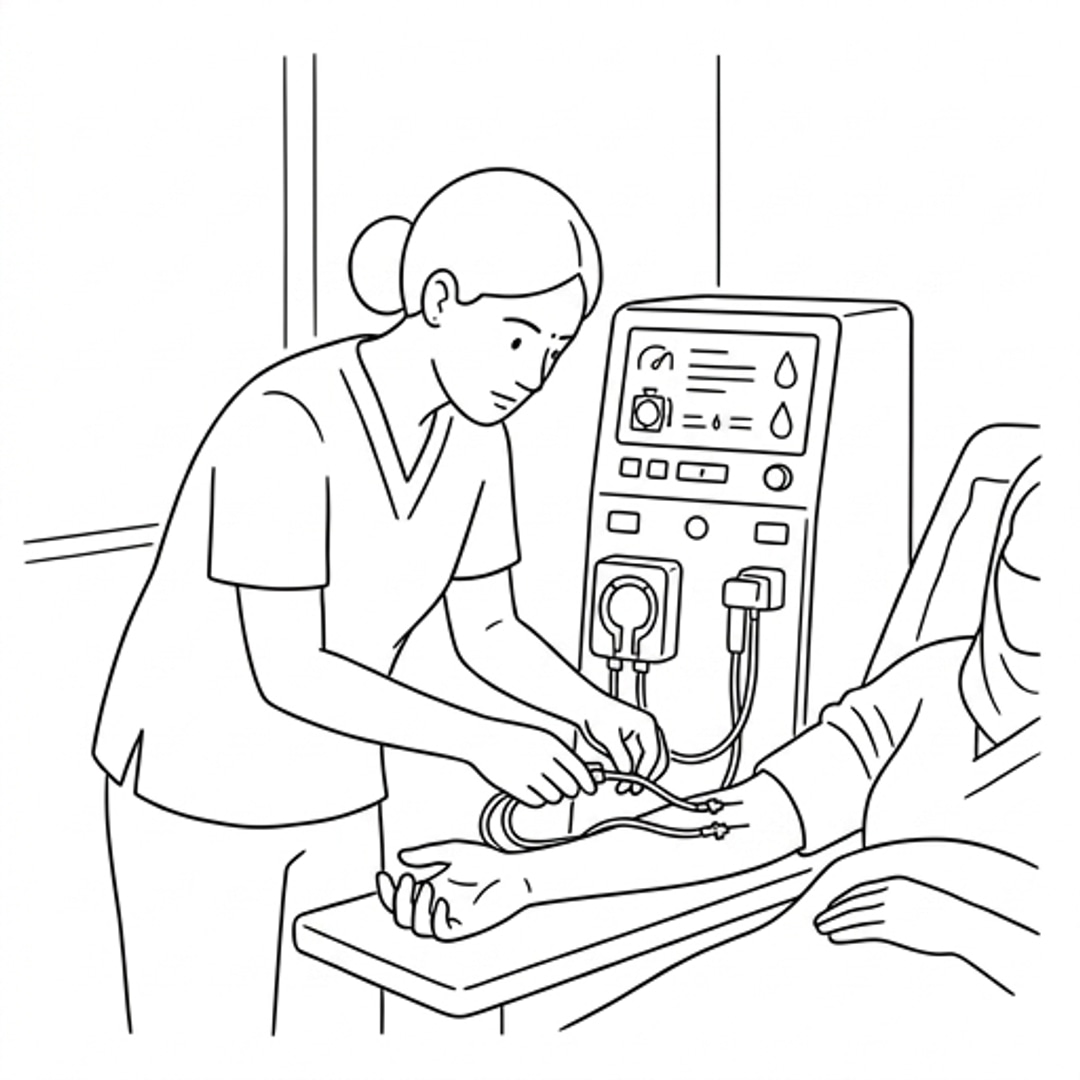
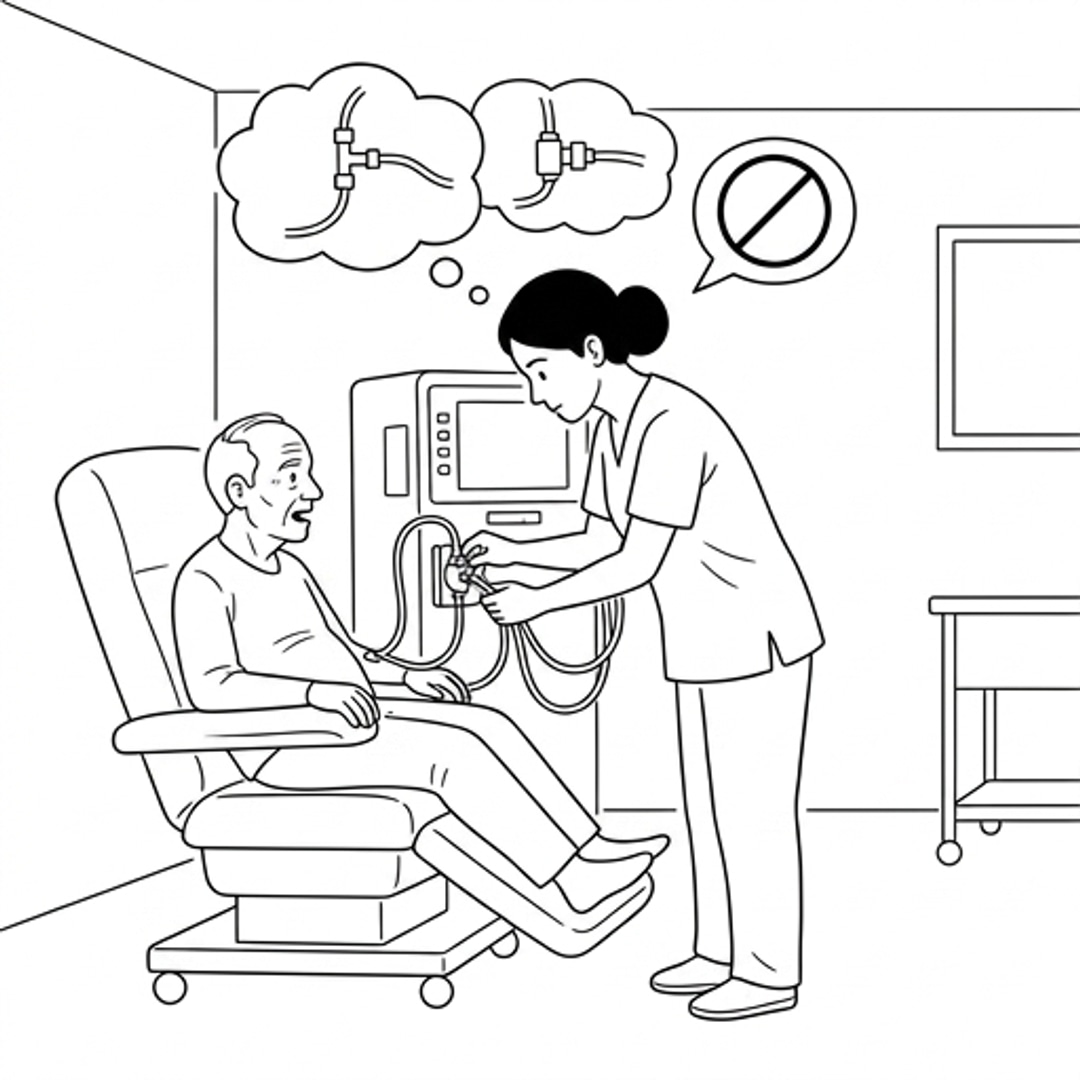
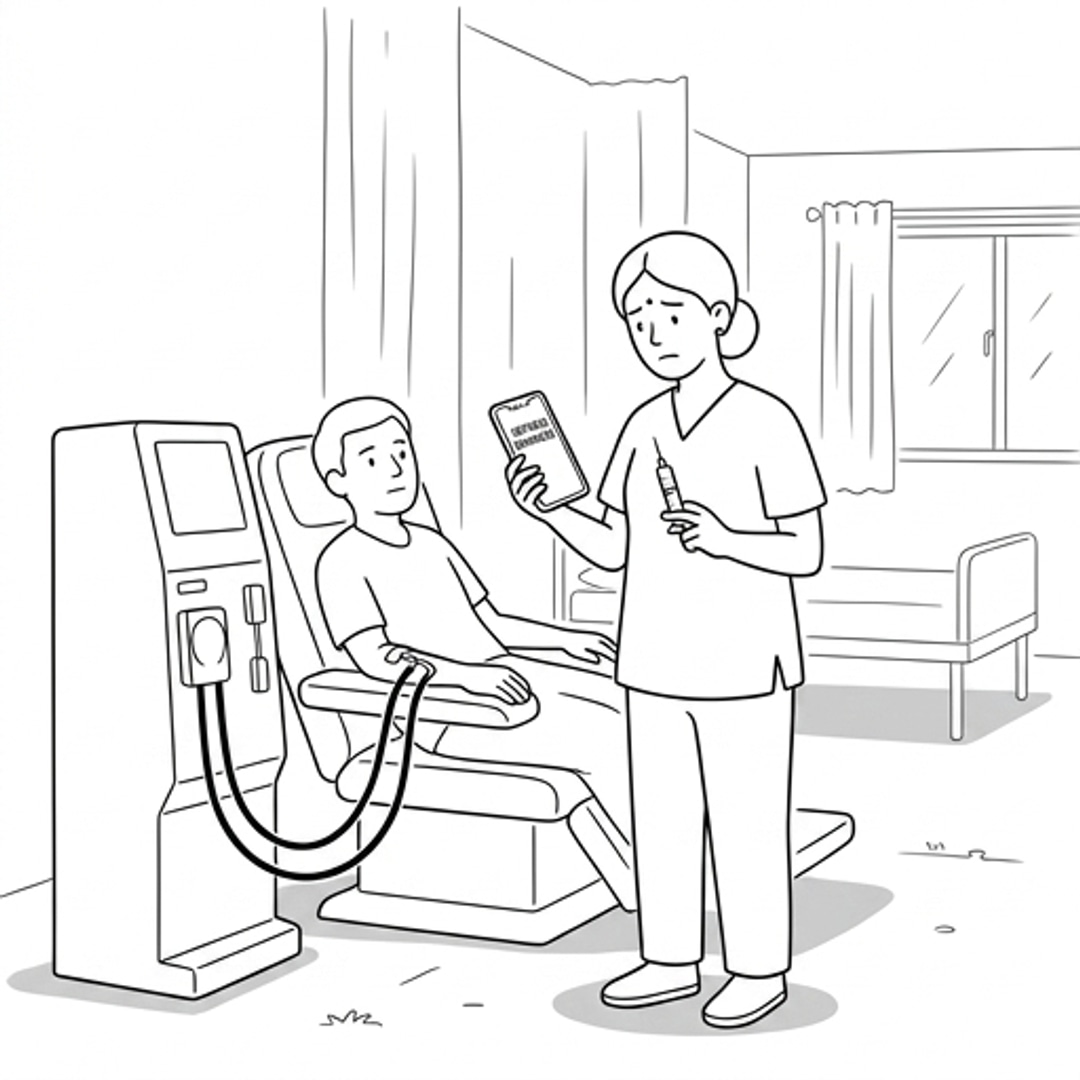
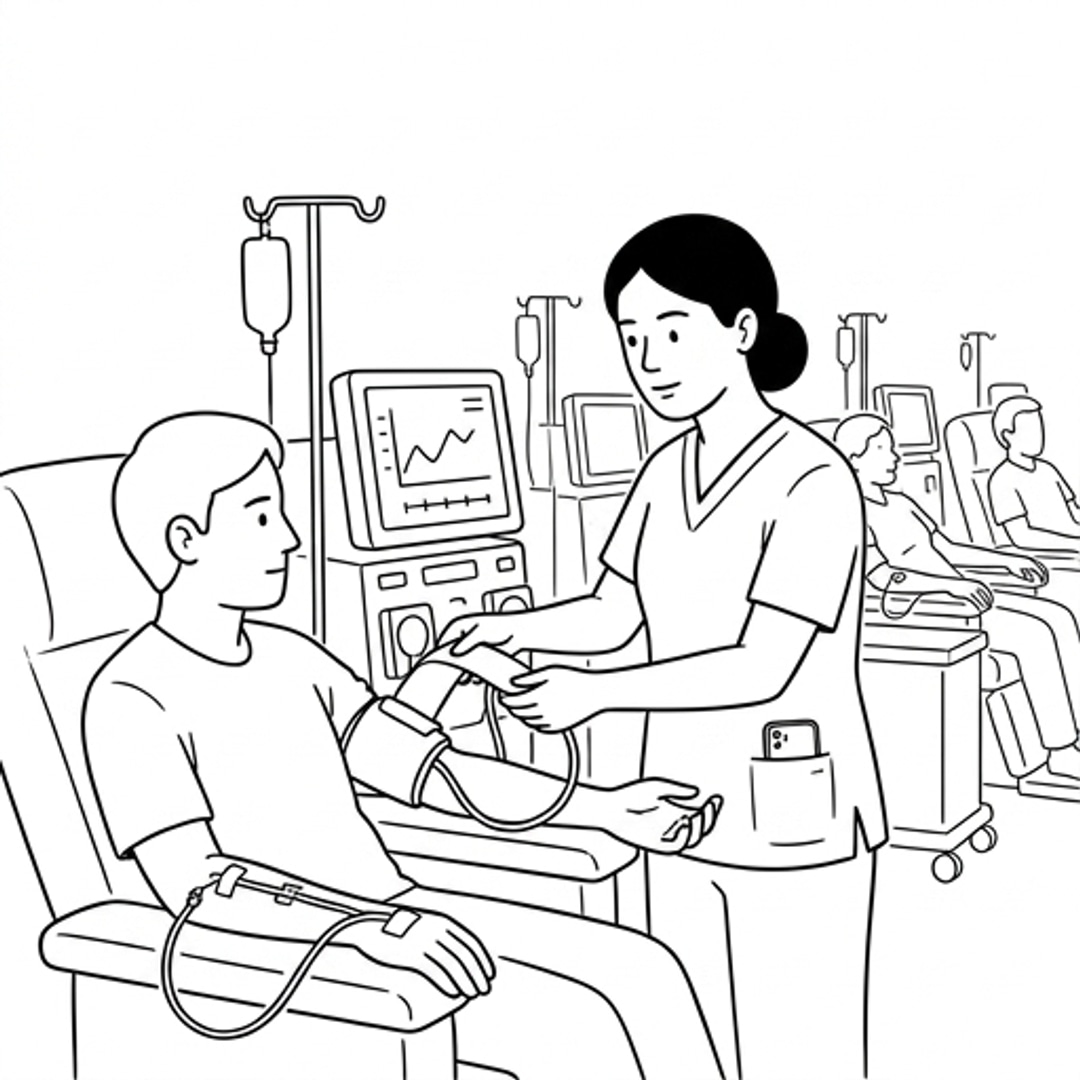
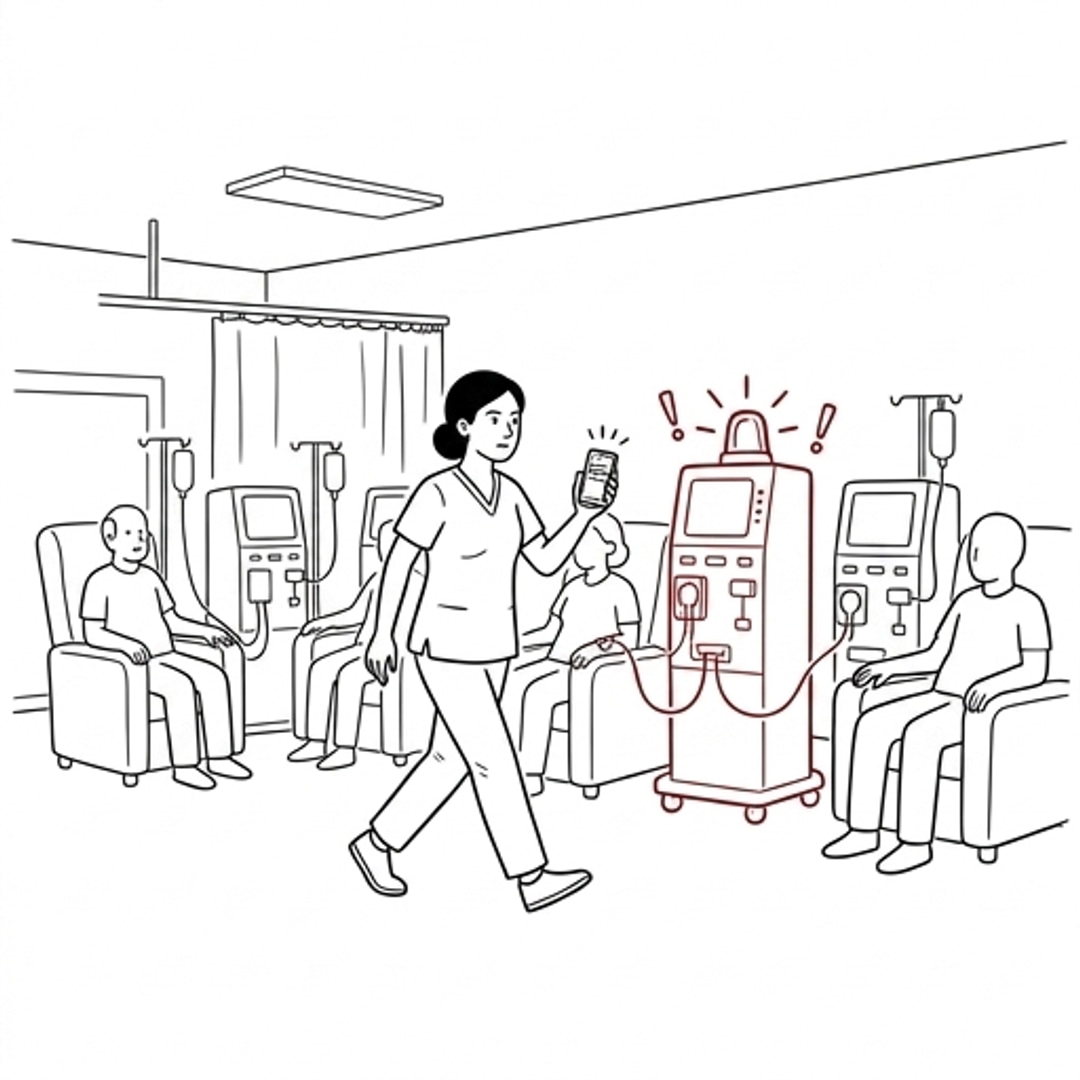
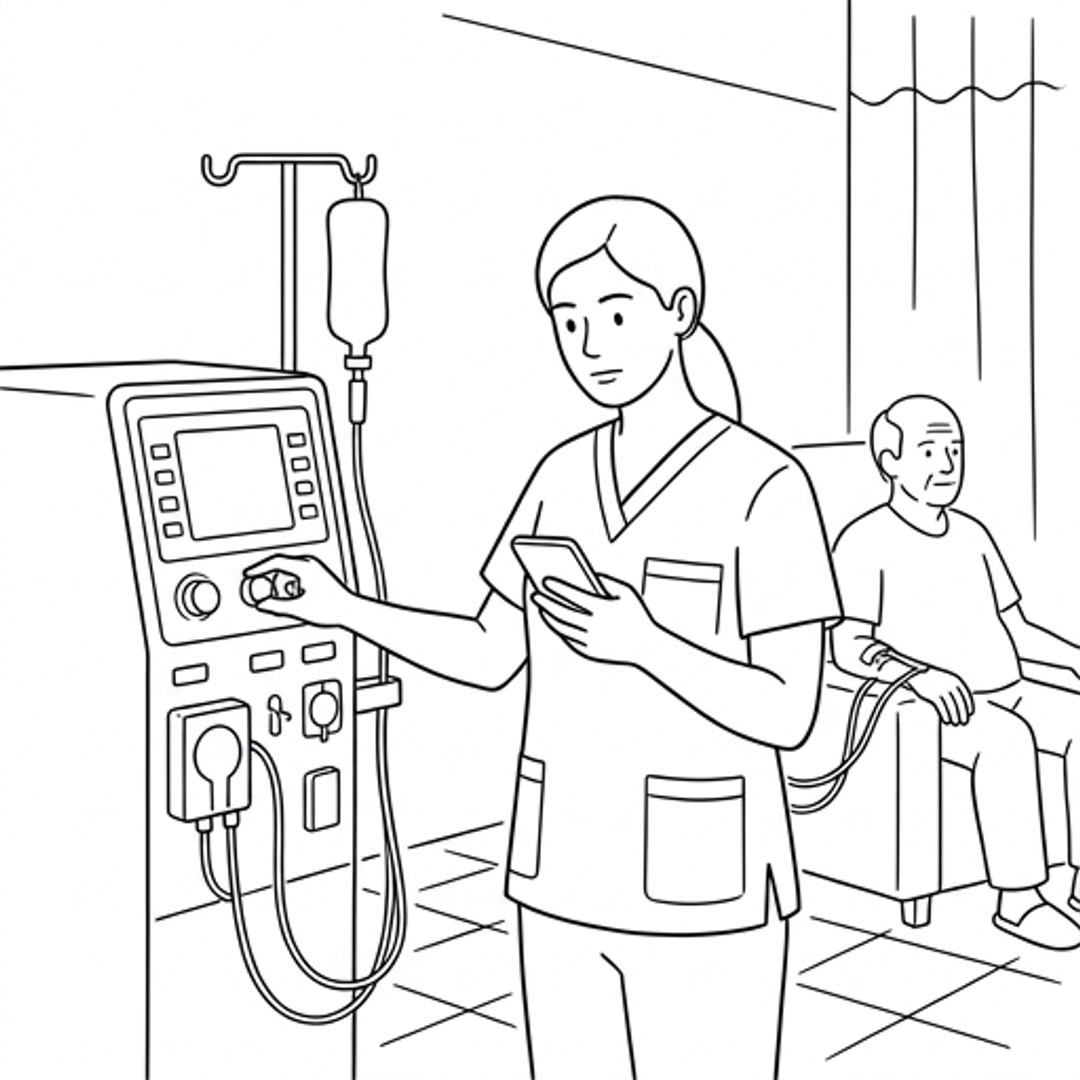
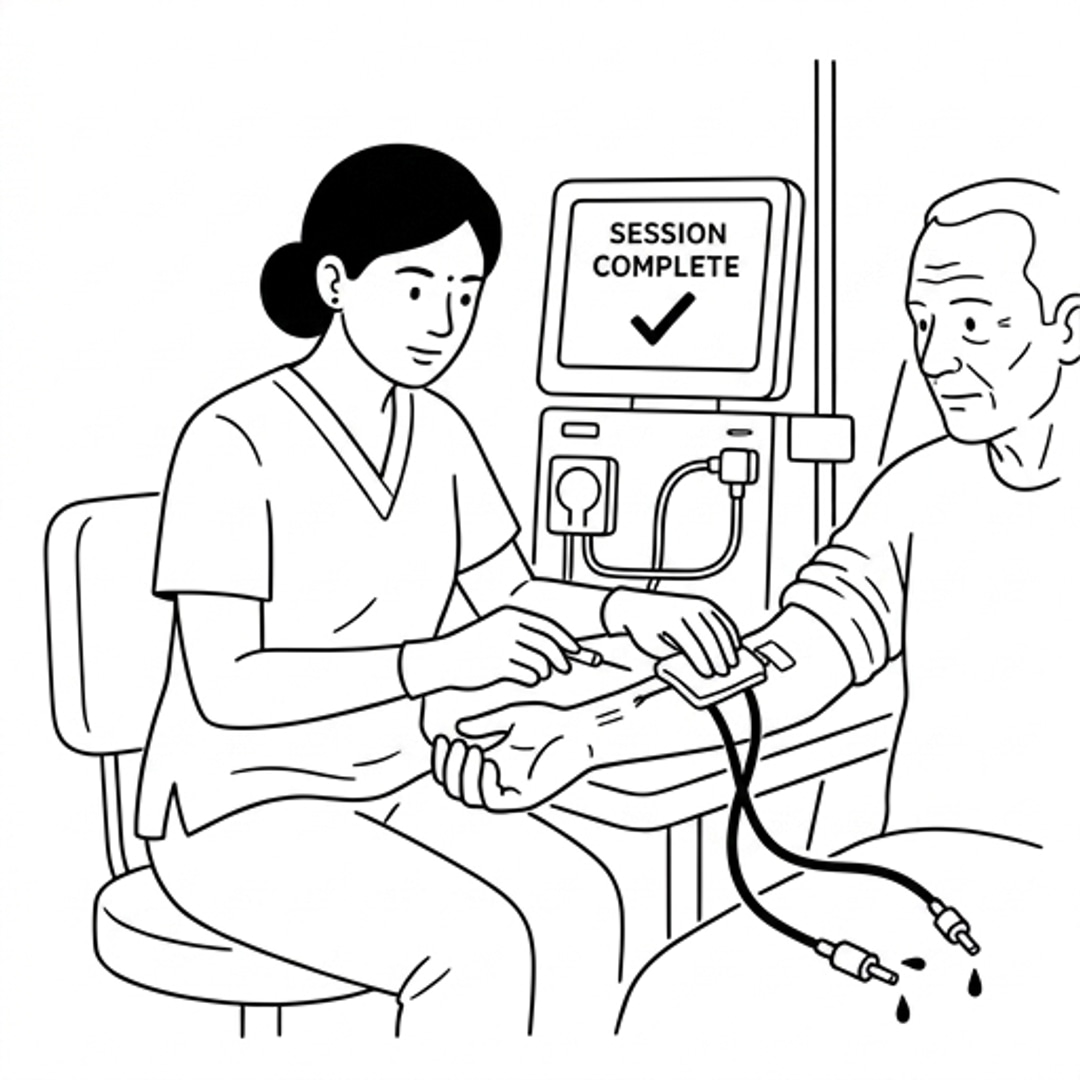
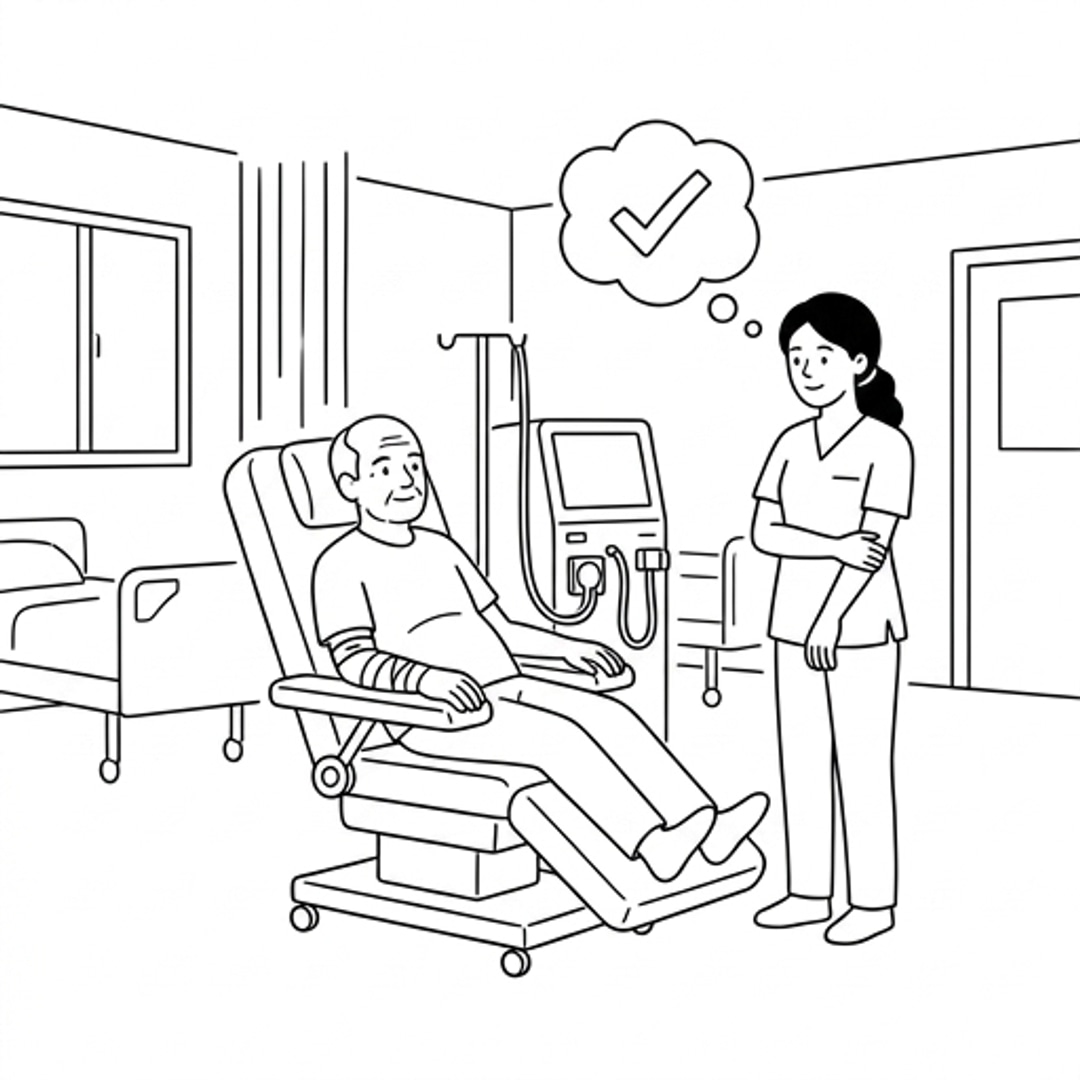
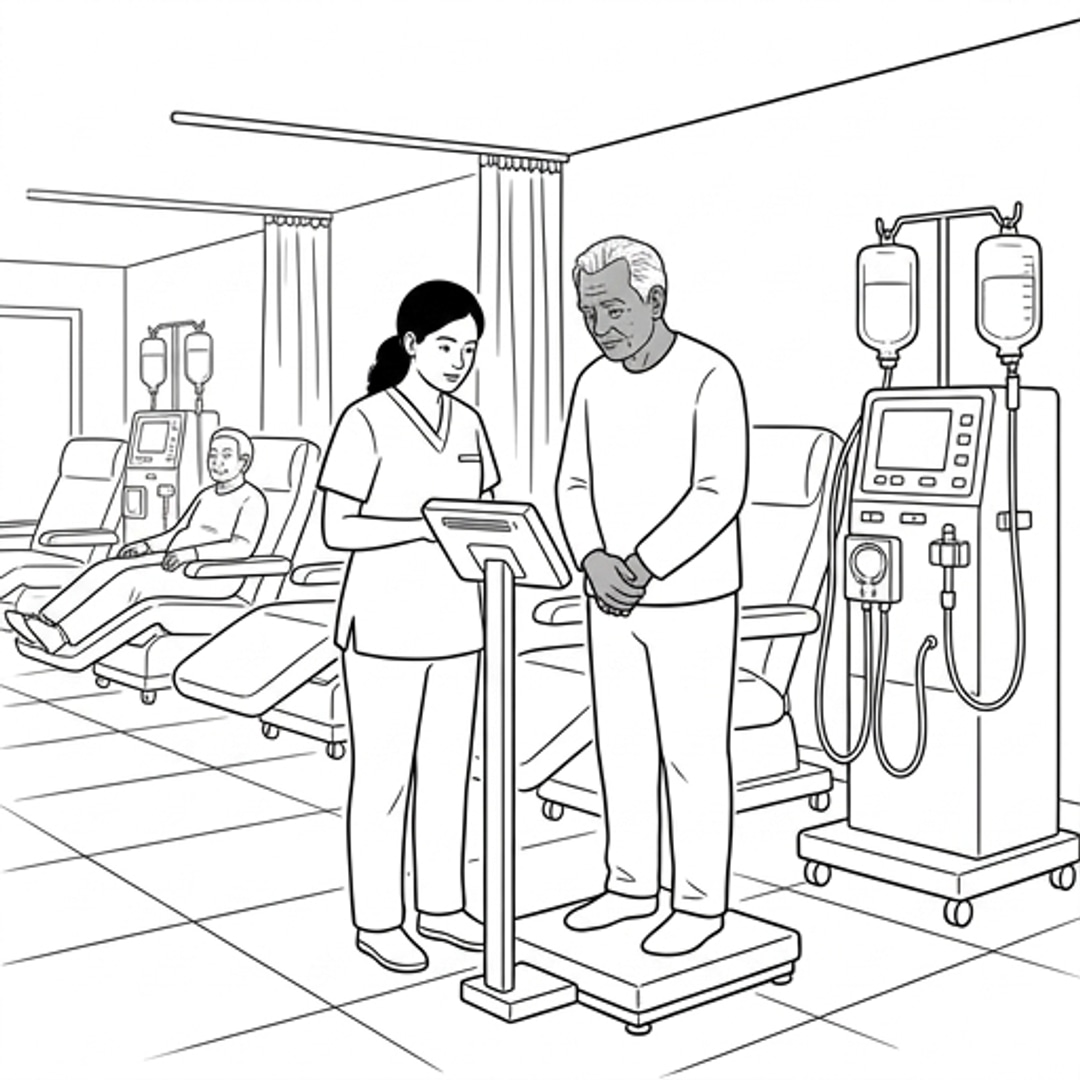
At each step of the dialysis session, Sunita either receives a proactive alert to perform a patient task, enters critical clinical data directly into her phone, or completes a digital checklist. This future storyboard illustrates how the mobile co-pilot systematically reduces cognitive load, eliminates memory-reliant gaps, and empowers her to perform at her absolute best.
Structuring the Connected Clinic App
The information architecture focuses on mobile app navigation based on sessions created on a primary HMS. It is structured around clean data relationships, rapid-access modules, and clear state hierarchies.
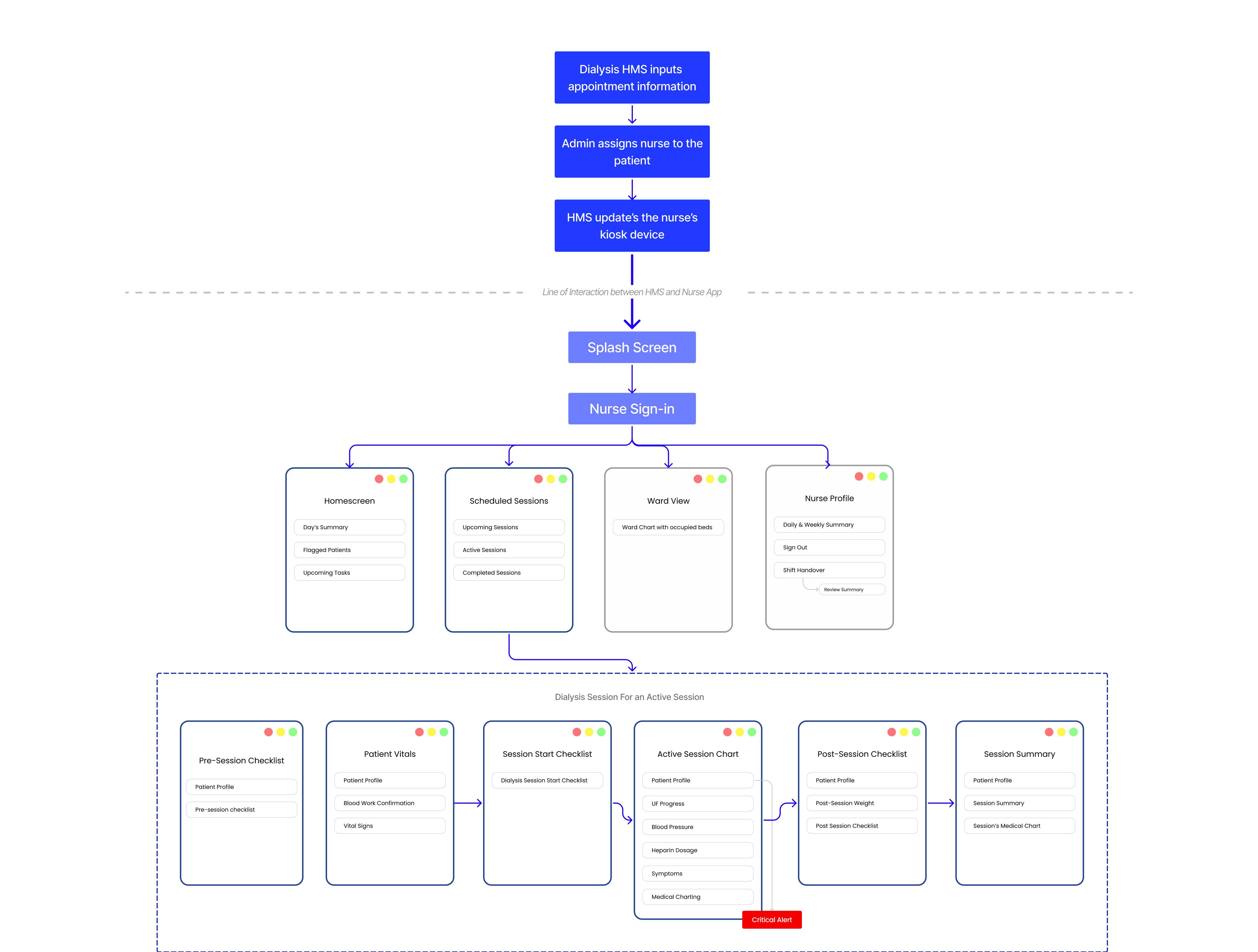
Design Wireframes and Iterations
Through user testing and clinical feedback, I refined the iterations based on clinical ease and system status.
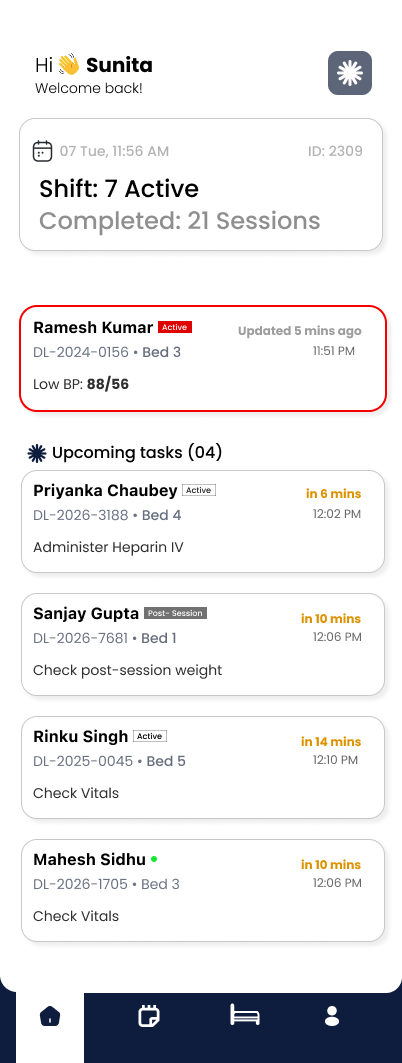
Task Dashboard
The homepage is a summary of all the tasks that a nurse has to do for multiple patients. At any point, the most immediate tasks the nurse must perform for various patients are arranged based on time.

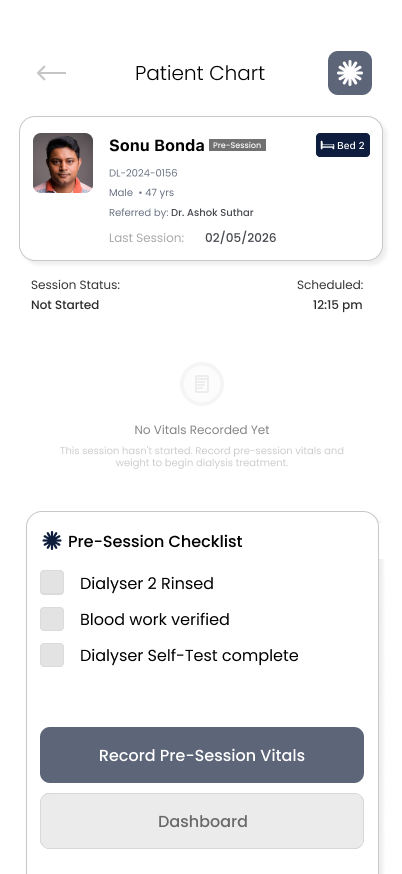
Active Session
During an active session, the hardest challenge was understanding hierarchy of information and states. The Cognitive task analysis helped break down this challenge into digestible sections.

Shift Handover
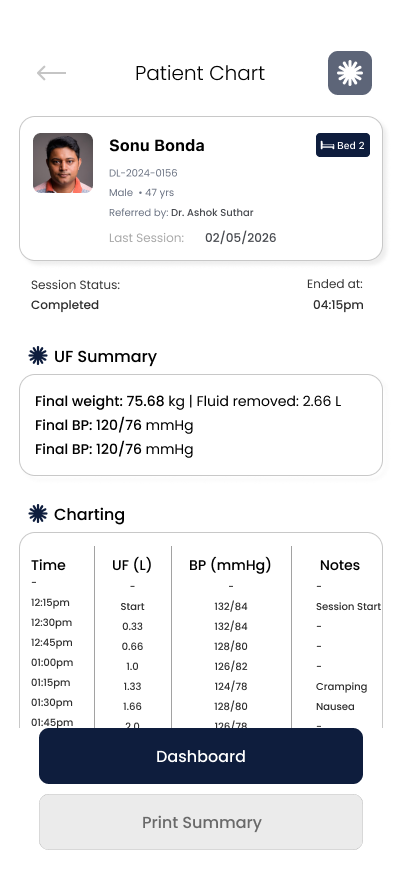
Shift handover is usually the most critical stage at a dialysis clinic where miscommunication can lead to disruptions in quality treatment. To overcome the same, I designed in order to reduce cognitive load and ensuring that the patient's charting is legible as well as the remaining tasks for a particular patient's dialysis can be easily taken over by the next nurse on duty.

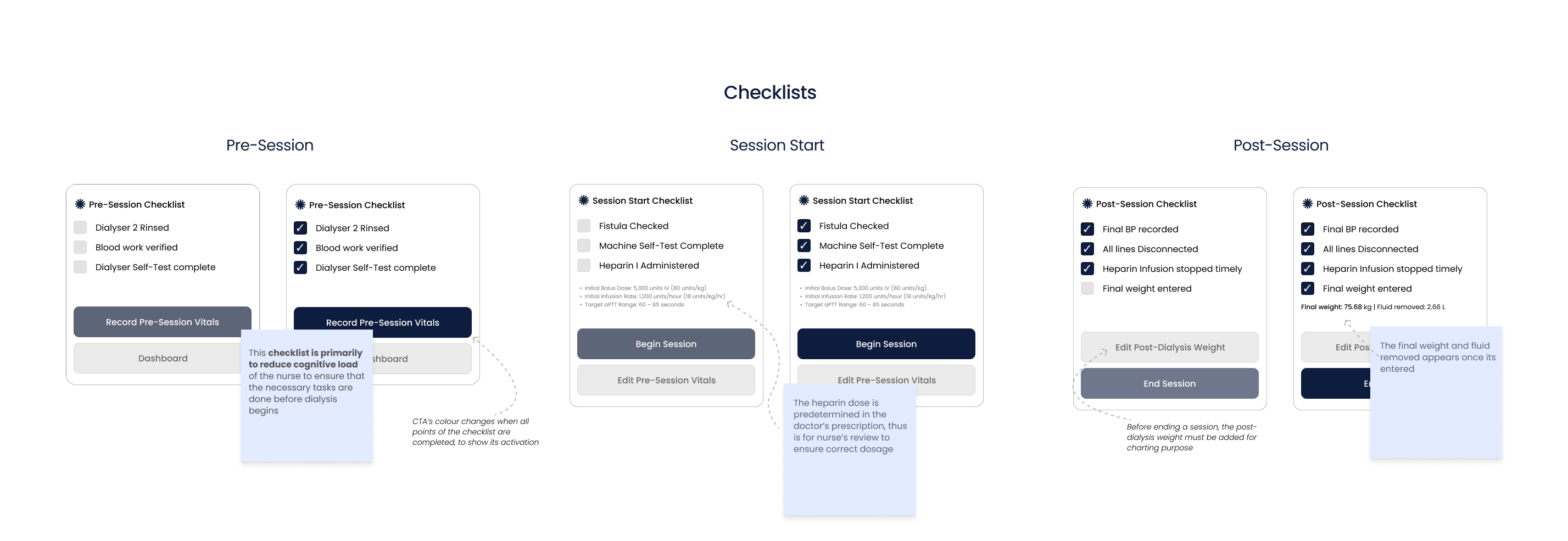
Checklists and Inputs
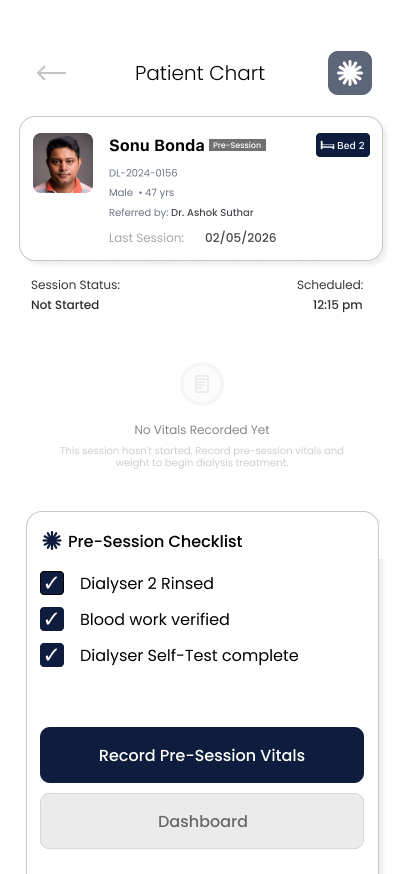
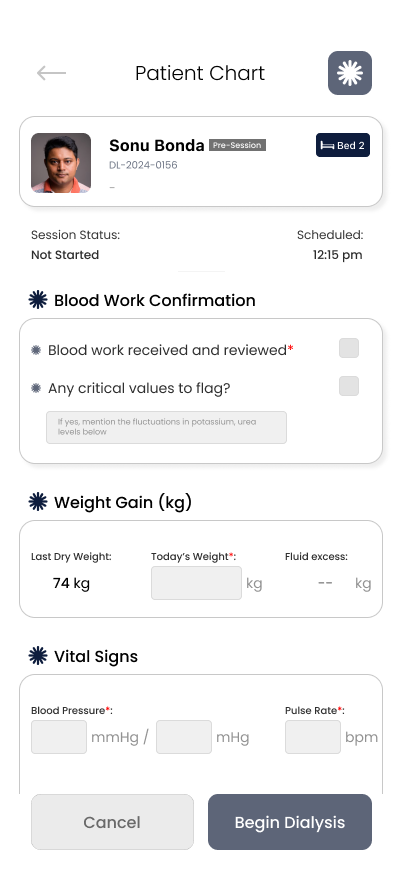
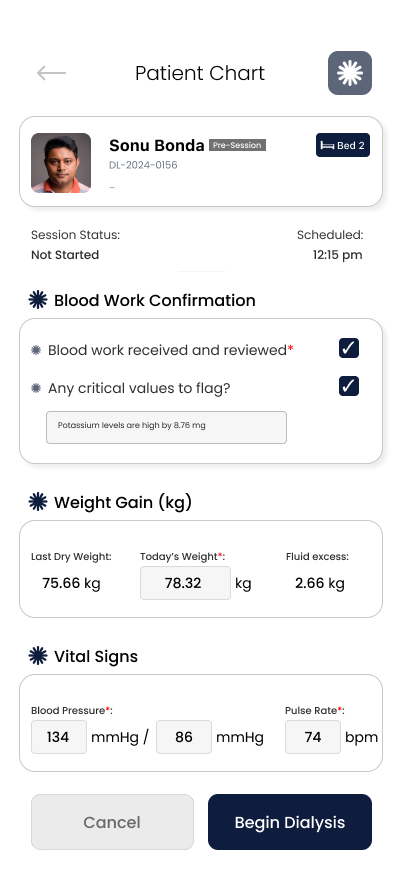
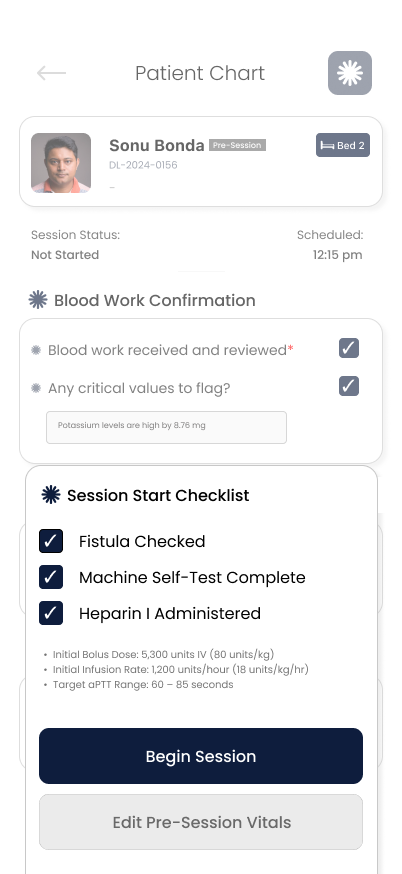
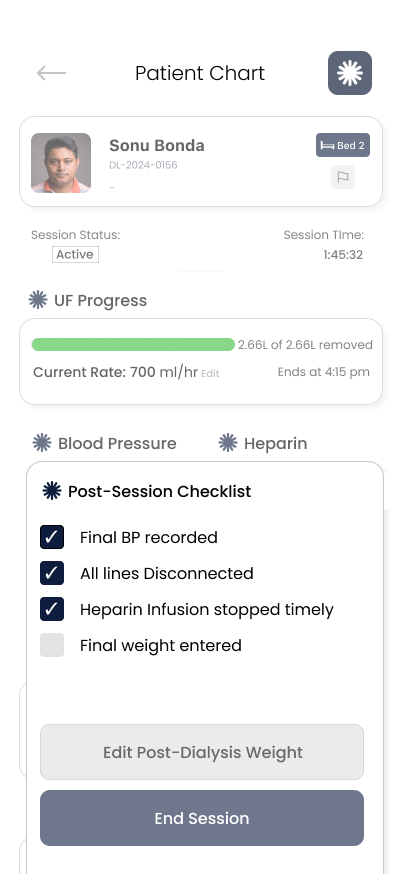
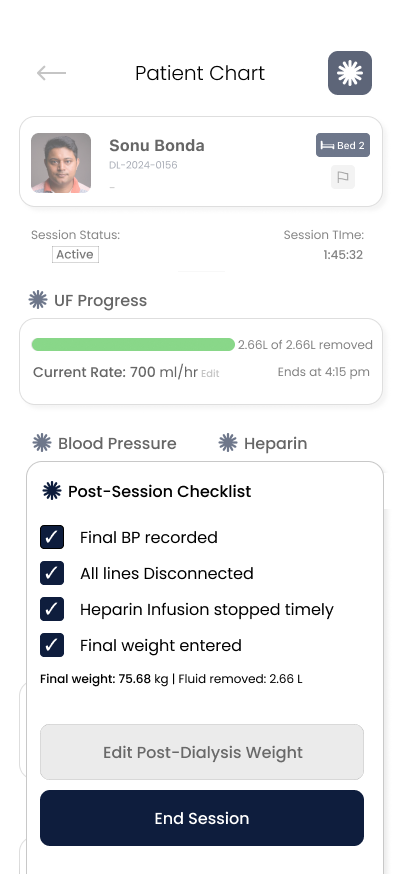
During a single dialysis session of 4hrs, a nurse might have 25+ tasks. This becomes a mountain of cognitive load due to multiple patients being under care of a single nurse. To overcome this, I broke down the tasks into checklists, inputs and tracking.
Primary User Flow
The primary user flow for the app is by the dialysis nurse for patient monitoring and charting to help reduce their cognitive load.

Hi-Fi Designs & Clinical Screens
Below are the high-fidelity mockups showcasing the resolved application interfaces.

What Worked & What I'd Do Differently
Key takeaways, strategic decisions, and lessons learned for future clinical iterations.
Research-first design
Starting with nurse interviews and CTA analysis meant every design decision was grounded in real clinical problems, not assumptions.
Involve nurses earlier in iteration
I evolved designs based on clinical immersion, but early feedback from actual nurses would have caught things we missed.
Simplification over feature-creep
Focusing on 3 core tasks (BP, Heparin, Weight) instead of trying to digitize everything made the app actually usable in a chaotic environment.
Prototype the emergency scenario
The Critical BP Alert is important, but we didn't test how a nurse would react to it in real conditions.
Real-world constraints
Designing for machines that aren't connected forced me to think about realistic workflows, not ideal-state technology.
Design for global scenario
In several countries, dialysers directly produce partial medical charting based on the parameters the dialyser notes. Thus, designing for such scenarios would help develop a global acumen.
In Indian dialysis clinics, thousands of nurses manage patient safety with paper notes and memory. This system proves that thoughtful design for constrained environments can transform care quality.
If this were deployed across even 100 clinics, it could prevent hundreds of medication errors and improve documentation for tens of thousands of patients.